Who this is for
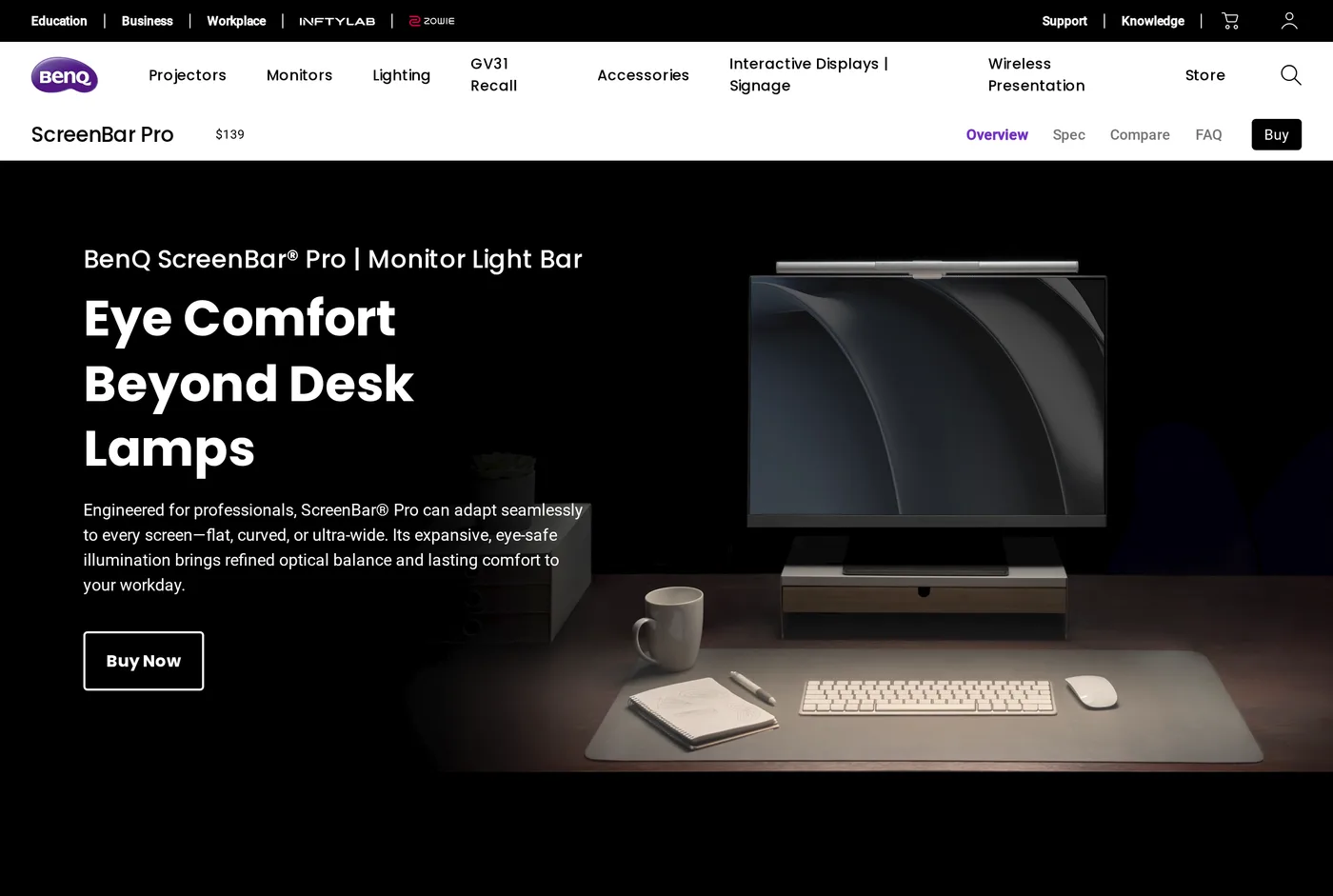
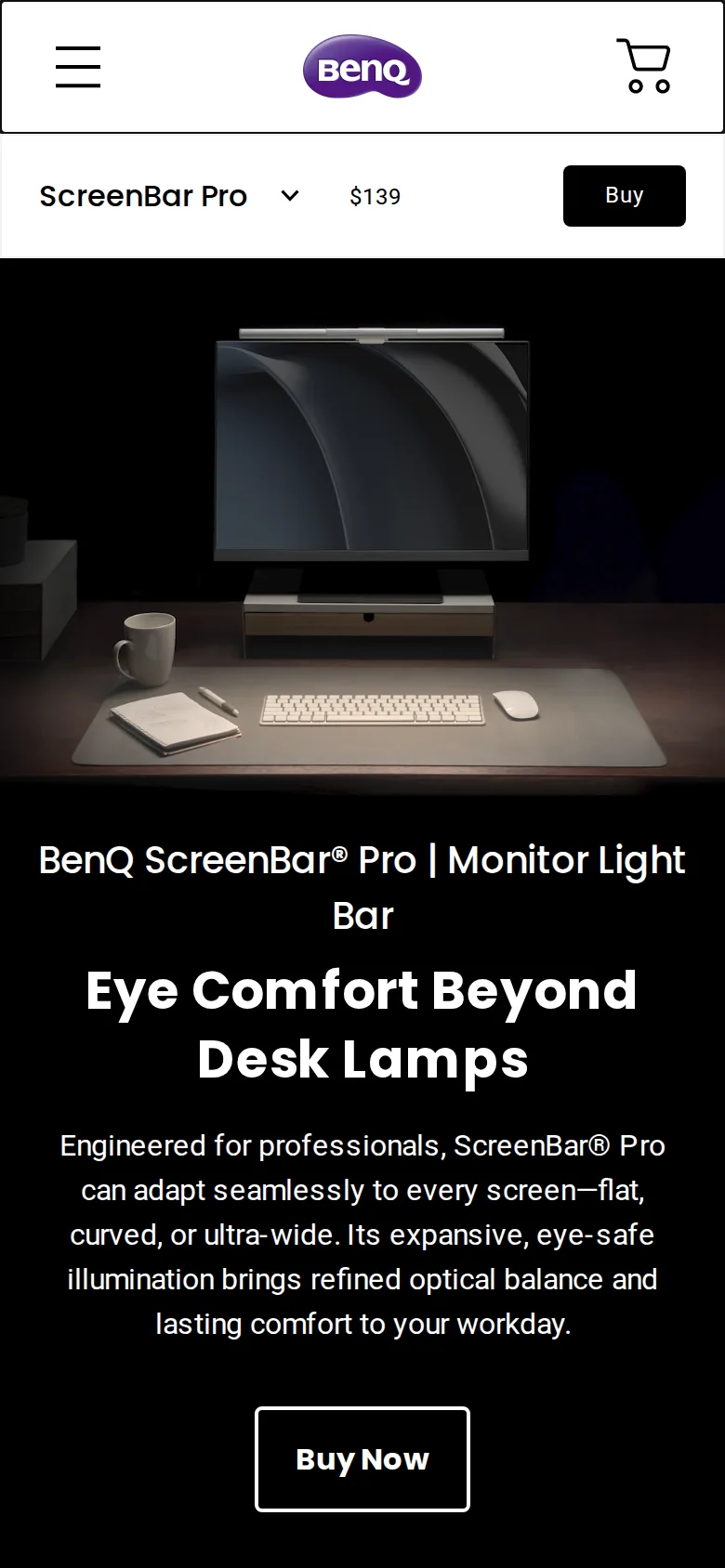
Everything we wrote about the ScreenBar Halo applies here: light on the desk, none on the screen, no desk space consumed. If you have not read that review, read it first — it makes the case for the category and this one is a variation on it.
The Pro's reason to exist is width. A 27-inch monitor is about 60 cm across; a 34-inch ultrawide is about 80 cm and a 49-inch super-ultrawide is over 110 cm. A light bar tuned for the first will leave the outer thirds of the second noticeably dimmer, and you will find yourself working in a bright centre with dark edges.
The Pro widens the beam. On a 34-inch screen the difference is obvious side by side; on a 27-inch screen it is invisible, because the Halo already covers the whole desk.
The presence sensor
The Pro adds detection that switches the light on when you sit down and off when you leave.
It works, in the sense that it does what it claims. Whether you want it is another matter. Our experience over several weeks: it turns on reliably as you approach, and it turns off while you are sitting still reading something on screen, because you have not moved enough for it to notice you.
Having a light go out while you are reading is a specific and repeatable annoyance. It can be adjusted, but the underlying behaviour — motion-based presence detection at a desk, where the whole job is sitting still — is a slightly awkward fit for the application.
Controls
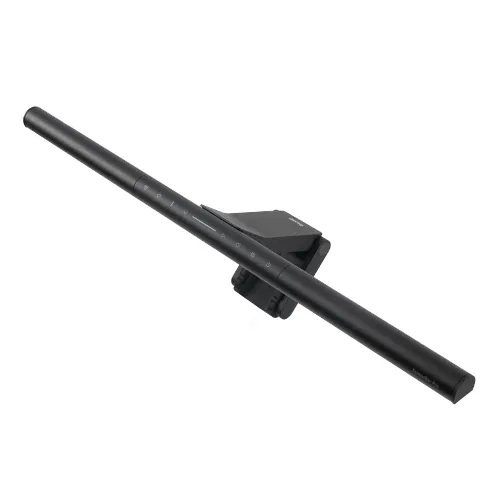
The Pro's control arrangement varies by configuration and region, and this is genuinely confusing on BenQ's own site. Some builds include the wireless puck; some put the controls on the bar itself.
Check before you order. The puck is the single best usability feature in this family of products, and a ScreenBar without one is meaningfully worse to live with.
Light quality
Same story as the Halo: adjustable from warm to cool, no visible flicker including on camera, and colour that does not make skin look ill on a video call. We have no calibrated instruments, so we are describing behaviour rather than quoting a CRI figure we cannot verify.
The backlight works as it does on the Halo — a wash on the wall behind the monitor that reduces the contrast between a bright screen and a dark room.
Disabling the automation
Since the presence sensor is our main complaint, it is worth saying what can be done about it.
The sensitivity and the delay before it switches off are both adjustable, and lengthening the delay fixes most of the reading-while-still problem. What you cannot do on every firmware version is switch the behaviour off entirely and have the bar behave like a plain lamp.
Check the current firmware notes before assuming you can. This is the sort of thing that changes between revisions, and a feature that is advertised as intelligent is rarely given a clean off switch.
Power and fitting
USB powered, same counterweight clip, same compatibility caveats around very thin or heavily curved top edges. On a large ultrawide, check the clip sits level: a long bar on a curved top edge is more likely to tilt than a short one.
What "wider" means in practice
We put the Pro on a 34-inch ultrawide and measured nothing more scientific than where we could comfortably read a printed page.
With the Halo, the useful pool of light on the desk ran to roughly the width of the monitor, with the outer 15 cm at each end noticeably dimmer — enough that a notebook placed at the far right of the desk was in shadow.
With the Pro, that pool extended past the ends of the monitor, and the notebook was readable wherever we put it in front of the screen.
On a 27-inch panel, both lights covered everything and we could not tell them apart without looking at the bar.
That is the entire functional difference, and it is worth exactly as much as the width of your desk.
Which one to buy
27 inches or smaller: Halo. Cheaper, same effect, fewer things to be irritated by.
32 to 34 inches: either. The Pro is better; the Halo is adequate.
38 inches or wider: Pro, without hesitation. The Halo will not reach the ends.
Verdict
8.0. A good product that is a worse buy than its cheaper sibling for most people, dragged down by automation nobody asked for. Bought for the right monitor, it is excellent.
What holds up
- Genuinely wider, more even coverage — the reason it exists
- Presence detection switches it on as you sit down, which does work
- Same asymmetric optics: no reflection on the screen
- One-touch recall of a preferred brightness and colour temperature
What wears thin
- Presence sensor turns the light off while you sit still and read
- More expensive than the Halo for a benefit only wide monitors see
- No separate puck in some configurations — controls are on the bar
- The automation cannot be fully disabled in every mode