Why this rather than a ring light
Ring lights are cheap, ubiquitous and produce a distinctive look: a hard circular catchlight in the eyes and a flat, slightly clinical face. They also sit on a tripod, on your desk, in the way.
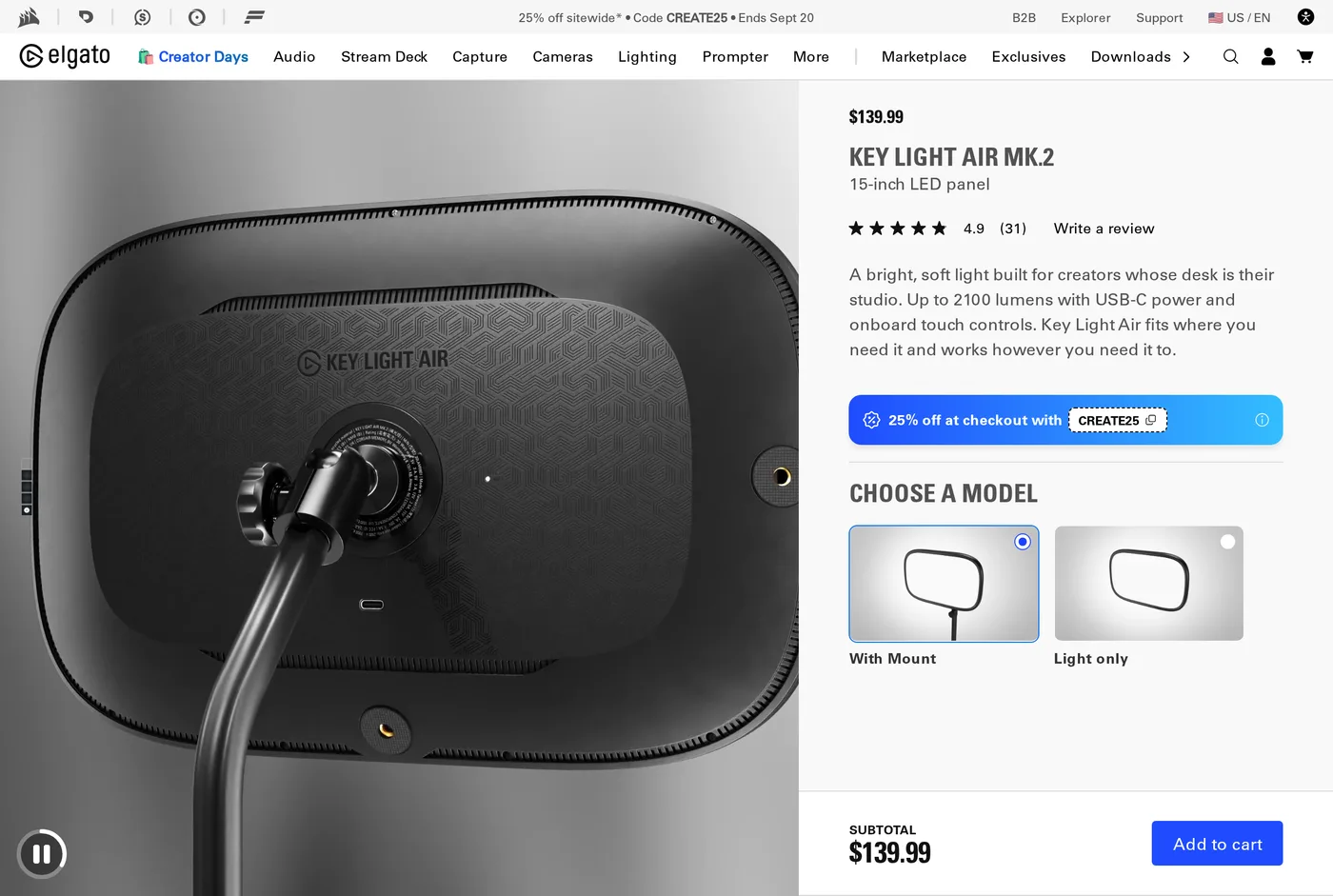
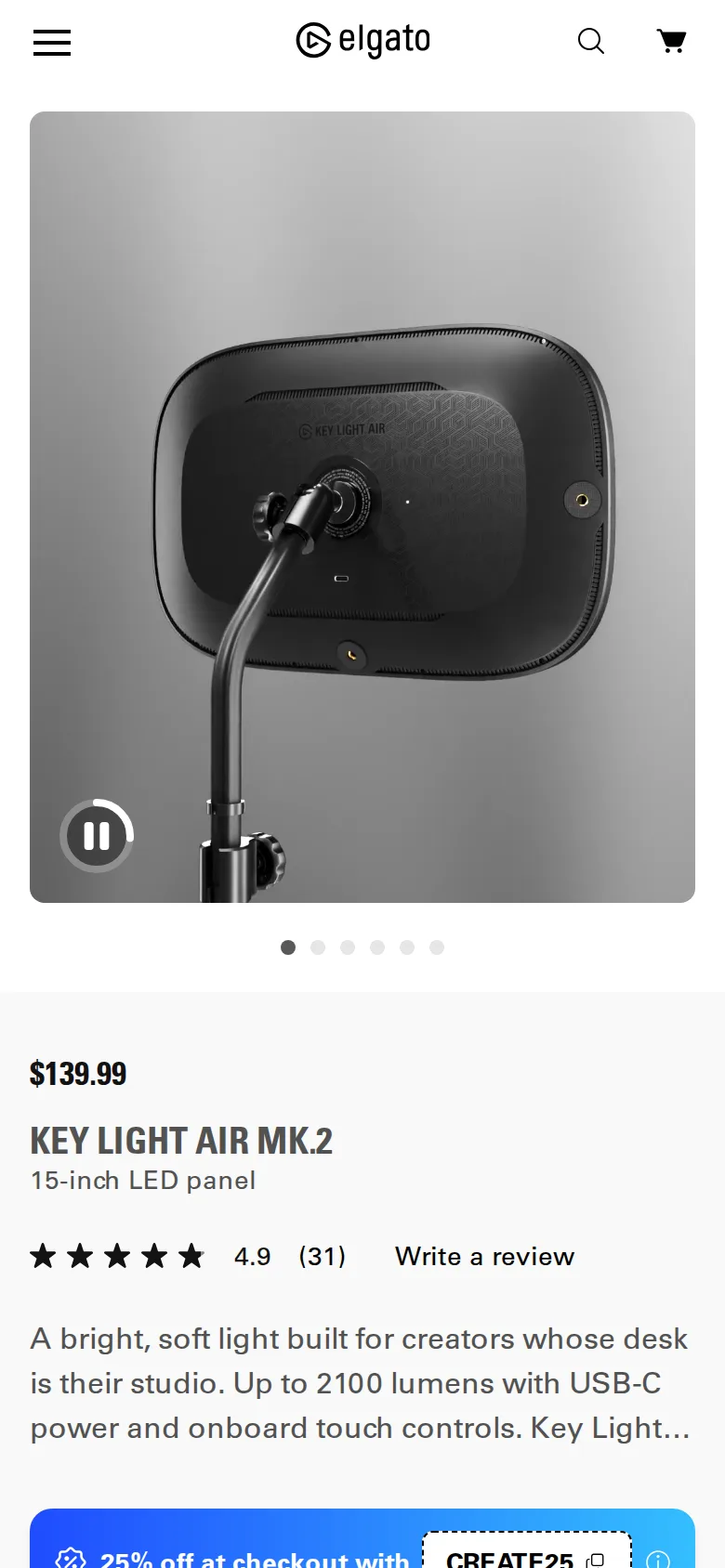
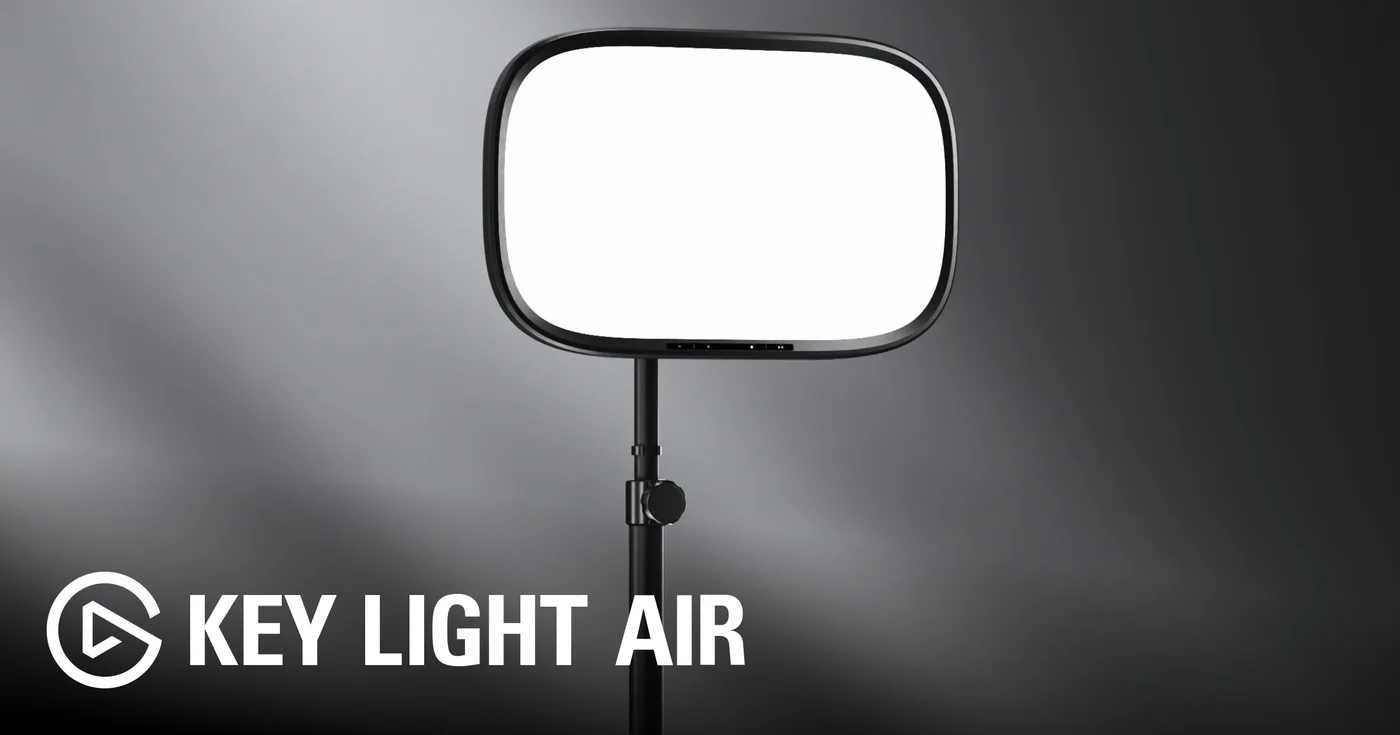
The Key Light Air is a 15-inch panel behind a diffuser, on a ball head, on a clamp that grips the back edge of your desk. Two consequences follow. The light is physically larger relative to your face, which is the only thing that actually makes light soft, and it occupies no desk surface whatsoever.
For a small desk, that second point is worth as much as the first.
The light
Up to around 2100 lumens, adjustable from warm to cool. In practice we run it at about a third of maximum for a normally-lit room — these panels are far brighter than a home office needs, and people who complain about looking washed out are running them at full power a metre from their face.
The diffusion is good. At 60–80 cm, offset to one side and slightly above, it produces a soft shadow edge rather than the hard line a bare LED array gives. Skin looks correct at both ends of the colour range.
One light is not enough, and the maths is annoying
A single key light from one side is better than no light and visibly one-sided: one side of the face bright, the other in shadow. The conventional fix is a second, dimmer light on the other side.
Two Key Light Airs is $280, which stops being an impulse purchase. The cheap alternative is one Key Light Air and a white surface — a wall, a foam board, even a pale door — positioned on the opposite side to bounce fill back. This works well and costs nothing, and it is what we would suggest to most people before buying a second panel.
Mounting
The clamp takes a desk edge within a reasonable thickness range and needs a clear span — no crossbar, no drawer, no rear cable tray in the way. On most desks it is fine. On a Secretlab Magnus Pro with a full-length rear cable tray, it is not, and you will need the separate weighted base or a different position.
Check the back edge of your desk before ordering. It is the most common return reason for products like this.
Controls and software
Touch controls on the unit itself handle power, brightness and temperature. That is unusual and welcome — the MK.2 added them, and it means the light is fully usable with no app, no network and no account.
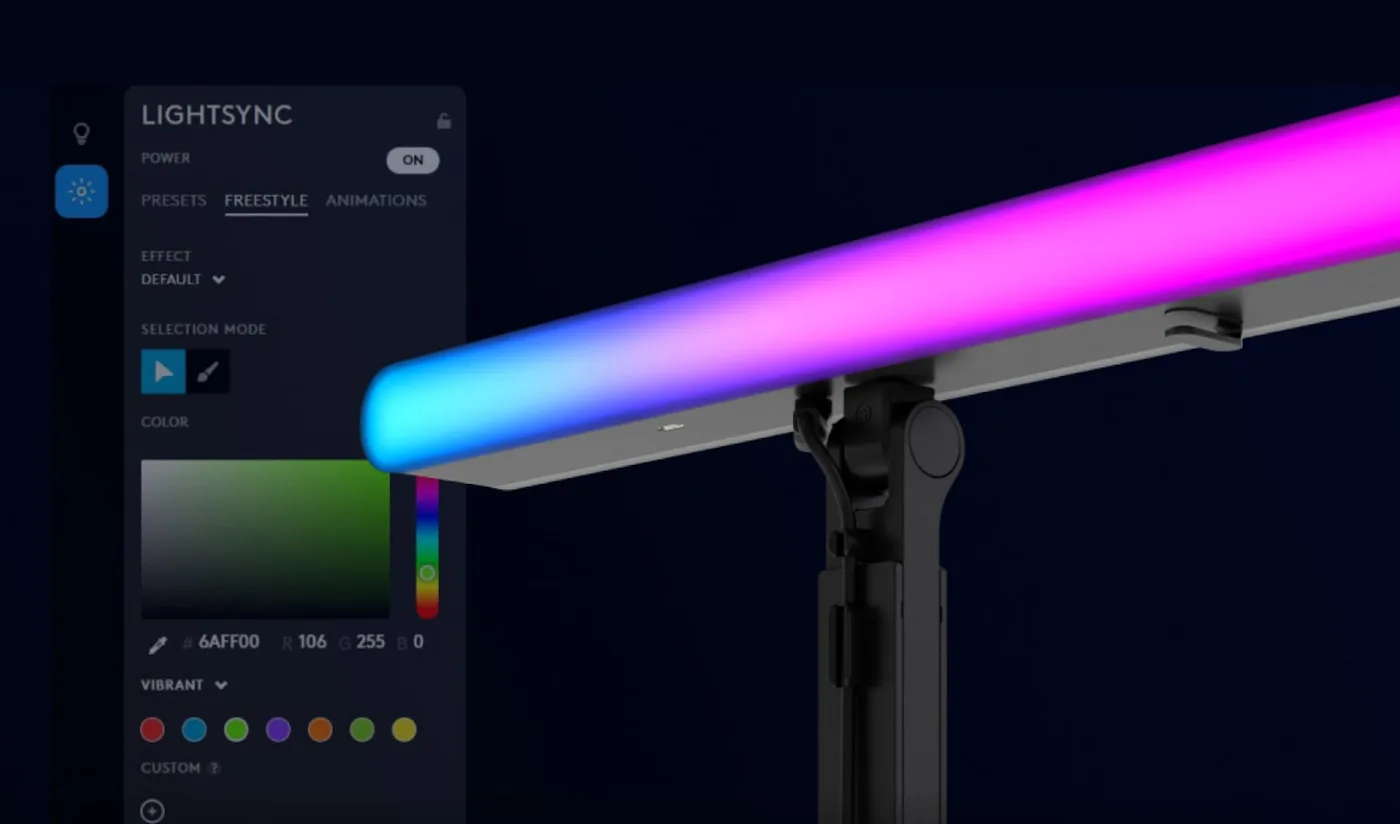
Beyond that, Elgato's Camera Hub and Stream Deck integration let you set scenes and trigger them from a button. It works over your local network, it does not require an account, and it does not run a background service that nags you. After the Logitech experience elsewhere in this category, this is a genuinely better piece of product citizenship.
The cheap fill light, described properly
Since we keep recommending a bounce rather than a second panel, here is how to do it.
Put the Key Light to one side of your camera, high, angled down at about 40 degrees. On the other side, at roughly the same distance, put something large, flat and white — a sheet of A2 foam board from an art shop, a white door left ajar, a pale wall if your desk happens to sit near one.
The light spilling past you hits the white surface and comes back as a soft fill, lifting the shadow side of your face without adding a second hard source. It is what a photographer would do and it costs about the price of a coffee.
The rule of thumb: if you can see a distinct shadow edge under your chin on camera, the fill is too far away or too dark.
Power
USB-C, with a supplied adapter. Another brick under the desk, which is mildly annoying, and it does mean the light can run from a dock or a decent charger if you are consolidating.
Verdict
8.5. The most sensible video light for a home office: clamps out of the way, works without software, and costs less than the alternatives. Budget for a bounce surface rather than a second unit and it is very good value.
What holds up
- Clamp mount uses the desk edge, so the surface stays clear
- Up to about 2100 lumens through a diffuser large enough to be genuinely soft
- Onboard touch controls mean it works with nothing installed
- App and Stream Deck control available without creating an account
What wears thin
- One light produces a visibly one-sided look; the good setup is two
- The clamp needs a desk edge of the right thickness and a clear span
- USB-C power brick is another thing under the desk
- Not useful as a task light — it is aimed at you, not the desk