The case for taking a feature away
Every autofocus webcam does the same annoying thing. You move, or gesture, or someone walks behind you, and the camera decides to refocus. For a second and a half the picture breathes in and out. Then it settles, usually on your face, sometimes on your bookshelf.
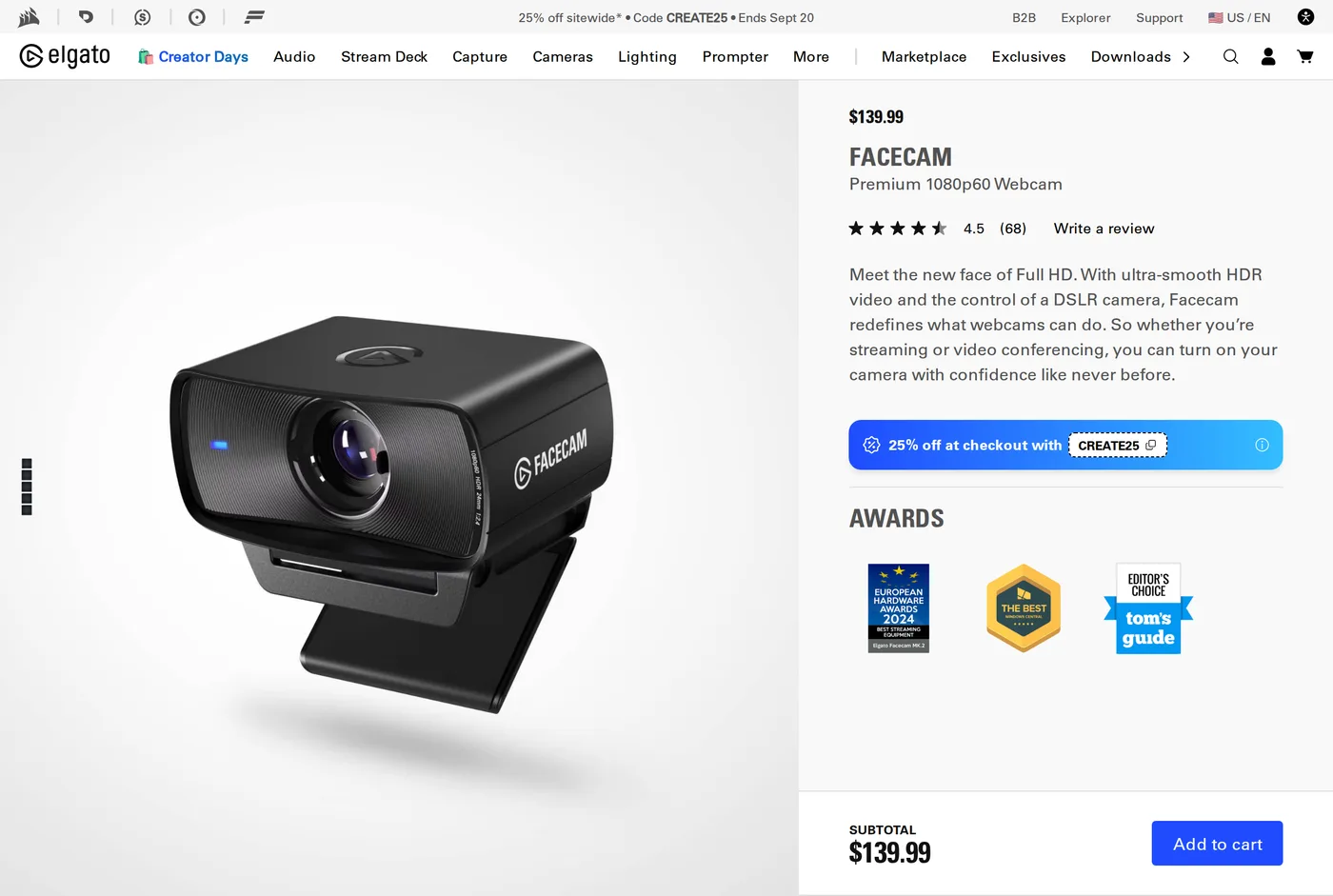
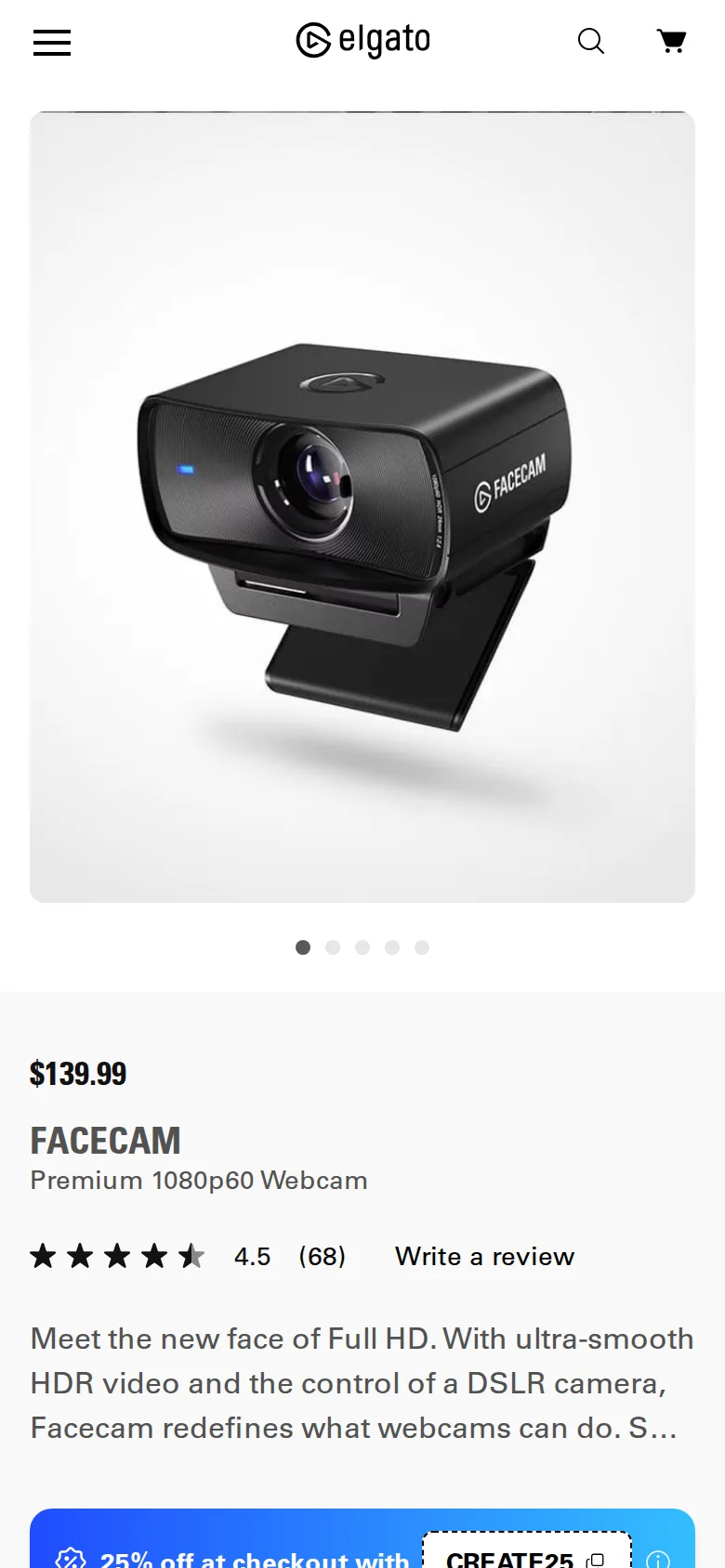
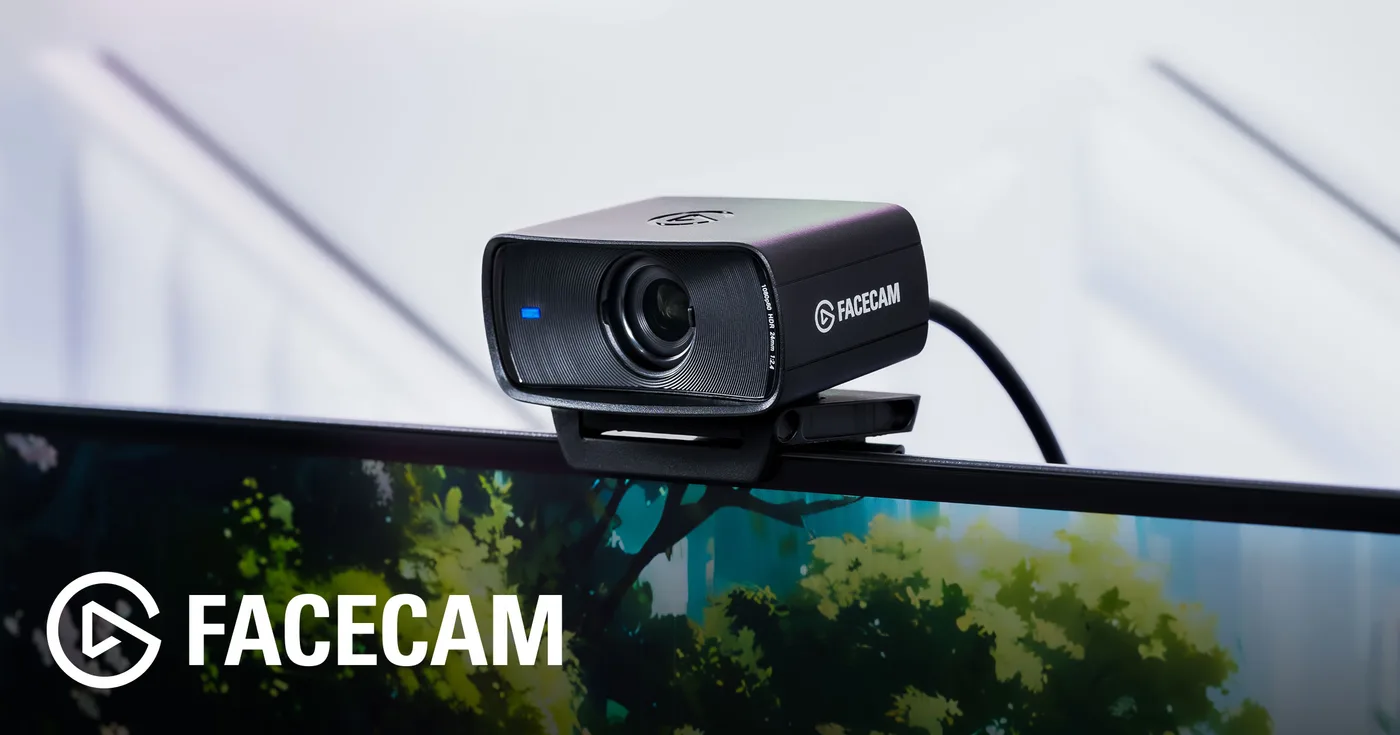
Elgato's answer on the Facecam is to remove autofocus entirely. The lens is fixed at a distance suited to someone sitting at a desk — roughly 30 to 120 cm — and within that range everything is sharp and nothing ever changes.
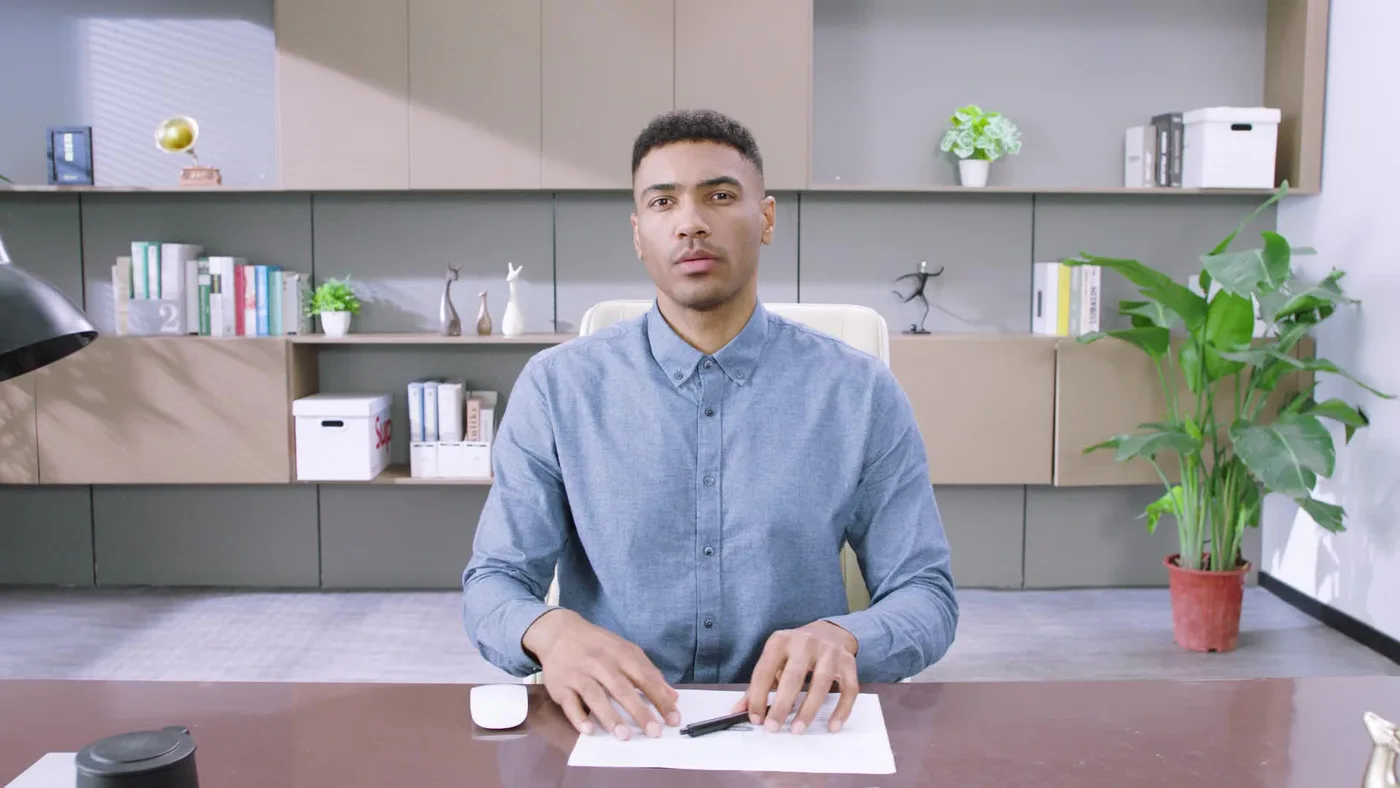
After a fortnight of calls, this is the thing we noticed most, and it is why this scores above the Brio despite having a quarter of its pixels. A steady, consistent picture looks more professional than a sharper one that keeps rippling.
The other removed feature: automatic exposure drift
Camera Hub gives you manual control over exposure, ISO, white balance, shutter and field of view, and — the important part — writes the settings to the camera's own memory.
That means you set it up once, on one machine, and the camera behaves identically everywhere afterwards. Plug it into a locked-down work laptop with no software and it still uses your settings. No other camera here does this as cleanly.
The practical benefit is that your picture stops changing mid-call when a cloud passes the window or you open a bright document. Auto-exposure is the second most common reason people look bad on video and almost nobody knows it is happening.
Is 1080p enough?
Yes, with one caveat.
Every mainstream calling platform compresses hard. A clean 1080p60 stream from a decent sensor will look better on a Teams call than a noisy 4K30 stream from a small one, because the encoder is throwing away most of the resolution anyway and noise eats the bitrate.
The caveat is if you are recording locally for editing, where you might want to crop into a 4K frame. If that is your use case, look elsewhere.
The sensor and low light
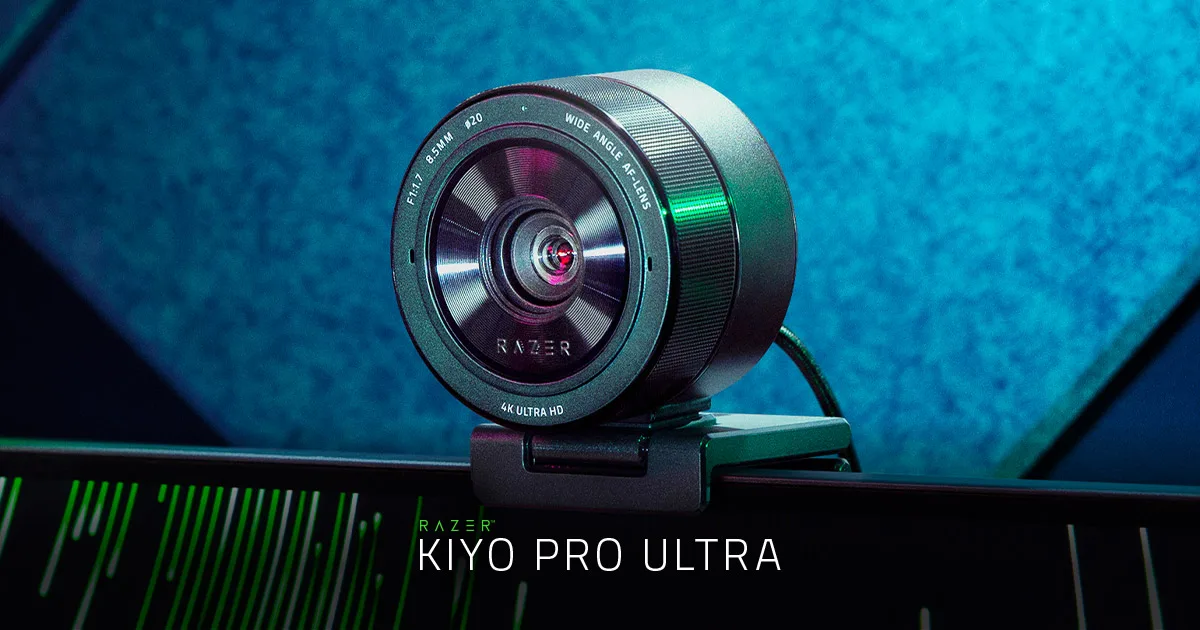
A Sony STARVIS-class sensor behind a reasonably fast lens. In an average room it is clean; in a dim one it is noticeably better than the Brio and noticeably behind the Razer Kiyo Pro Ultra, which has a physically larger sensor.
Colour out of the box is neutral rather than warm. If you prefer the slightly flattering warm cast Logitech applies, you will need to set it yourself — which you can, because the controls are all there.
The focus range, measured
We taped a ruler to the desk and moved a page of small print away from the lens.
Text was clearly legible from roughly 30 cm out to well past a metre, which covers every sitting position at a normal desk including leaning back in a chair.
Inside about 25 cm it goes soft quickly. That matters in exactly one situation: holding an object up to the camera to show someone. At arm's length it is fine; held close to the lens, it is not.
If showing physical objects is a regular part of your job, the Insta360's desk-view mode is the better answer. For talking to people, the fixed range is more than sufficient.
What is missing
No microphone. None. Elgato assume you have one, which given that they also sell the Wave:3 is a commercially convenient assumption and also the right technical one — webcam microphones are universally poor and you should use something else.
If you want one device that does both, this is not it.
Setting it up once
The process is short and it is worth doing properly, because you will never touch it again.
Sit where you normally sit, with your normal lighting on. Open Camera Hub. Set white balance manually to match the room — if your lamps are warm, a setting around 3800 to 4200 K will look natural, and the automatic setting will drift.
Then set exposure by eye: bright enough that your face is clearly lit, dark enough that a white wall behind you is not blowing out. Leave shutter at 1/50 or 1/60 depending on your mains frequency, or fluorescent lighting will flicker.
Finally set the field of view. The narrower crop flatters most rooms.
Write the settings down somewhere. The camera remembers them, but you will want the numbers if you ever move desk.
Mounting
A proper clamp with a tripod thread, and it holds position better than the Logitech clip. The camera tilts but does not pan, so left-right framing is done by moving the whole thing.
Verdict
8.4. The most professional-looking webcam here for the money, achieved by removing the two features that make cheaper cameras look amateur.
What holds up
- Fixed focus set for desk distance: nothing hunts, ever
- Full manual control of exposure, white balance and ISO, saved to the camera
- Settings persist on the device — it looks right on a machine with no software
- 1080p60 is smooth, and smooth reads as higher quality than sharp-and-stuttery
What wears thin
- 1080p only — no 4K, which some buyers will reject on principle
- Fixed focus means anything closer than about 30 cm is soft
- No microphone at all
- Camera Hub is required to change settings, though not to use them