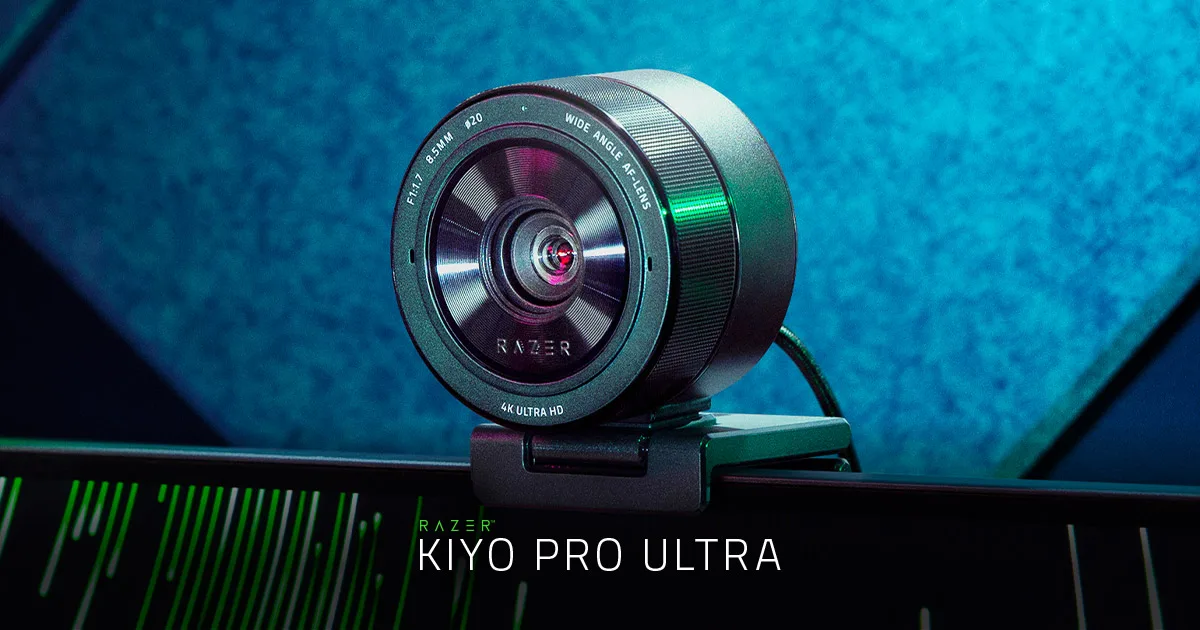
The one specification that matters
Every webcam review eventually turns into an argument about resolution. It is the wrong argument. What determines whether you look like a person or like a smear of noise on a video call is how much light reaches the sensor, and that is a function of sensor area and lens aperture.
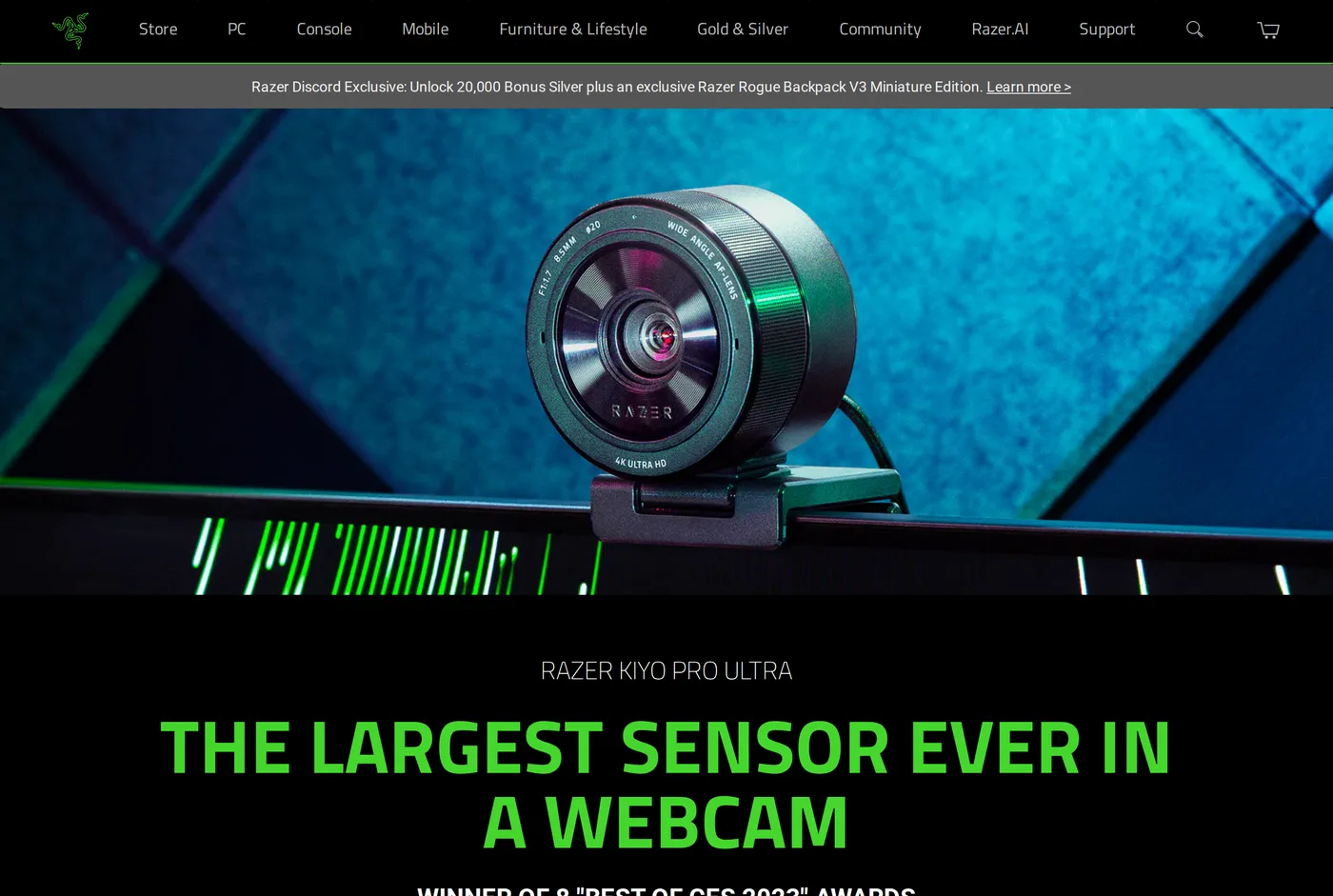
The Kiyo Pro Ultra has a 1/1.2-inch sensor and an f/1.7 lens. For context, a typical webcam has perhaps a quarter of that sensor area behind an f/2.4 lens. The difference in a dim room is not a matter of pixel-peeping — it is the difference between a clean image and a noisy one, visible to everyone on the call.
If you work in a north-facing room, or in the evening, or in a British winter, this is the camera in this review that solves your actual problem.
The side effect: shallow depth of field
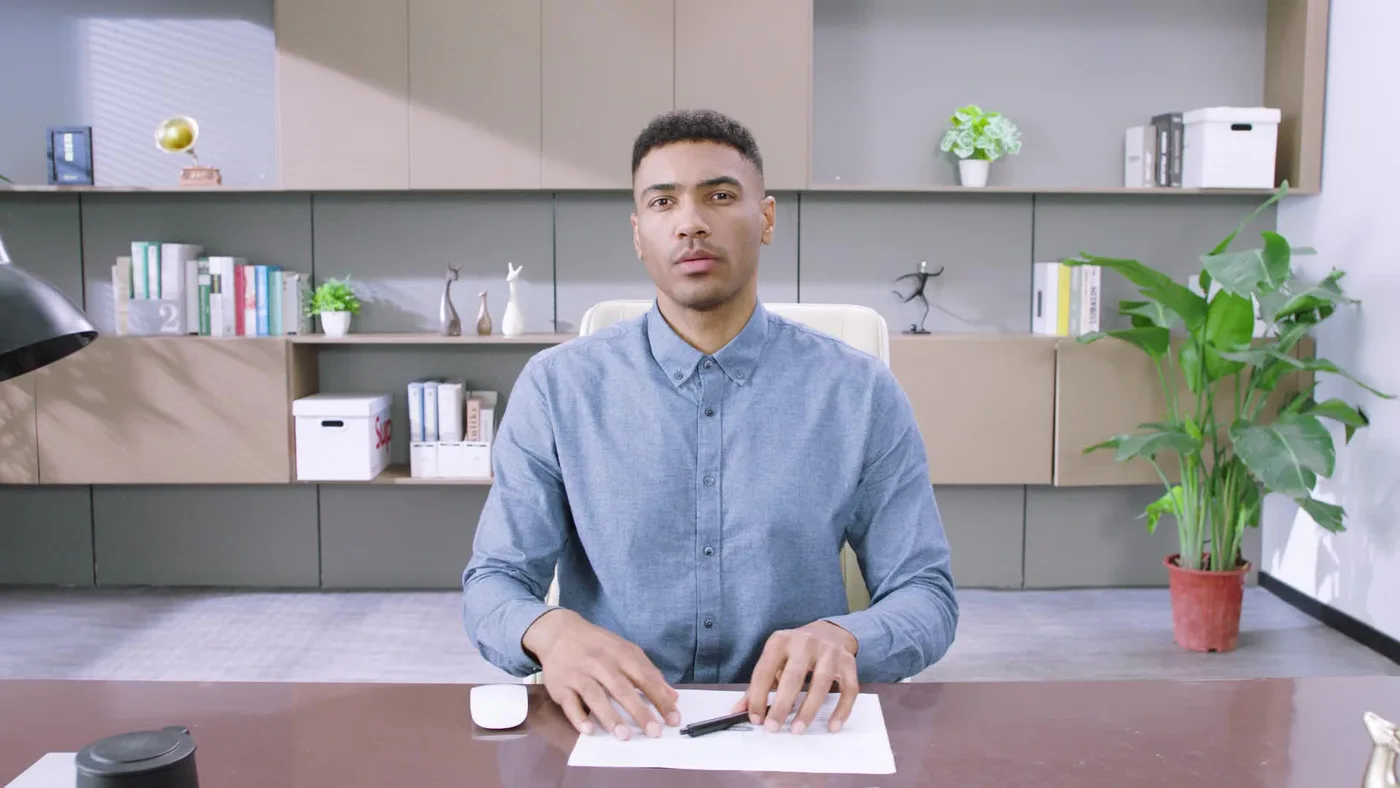
A large sensor and a fast lens produce a genuinely shallow depth of field. Your face is sharp and the room behind you falls off into soft blur — the look people try to fake with software background blur, done optically, without the tell-tale artefacts around hair and glasses.
It looks good. It also has a cost: the in-focus zone is narrow, so leaning forward or back can take you out of it. The autofocus is competent and it still has to work harder than a camera with everything in focus by default. If you fidget a lot, stop down the aperture in software; you will lose some of the look and some of the low-light advantage.
Uncompressed output
Over USB 3 the Kiyo Pro Ultra can deliver uncompressed 1080p60. For a video call this is irrelevant — the platform will compress it anyway. For recording locally, or for a capture card and a streaming pipeline, it means you are not stacking the camera's compression on top of the encoder's.
If you record video for editing, this is a real advantage over everything else here.
Managing the depth of field
The shallow focus is the Kiyo Pro Ultra's signature and it needs a little management.
If you find yourself drifting out of focus, the fix is to stop down the aperture in software. Going from f/1.7 to roughly f/2.8 roughly doubles the depth of field, which is usually enough to cover leaning forward and back, at the cost of some low-light advantage.
The other approach is distance. Moving the camera further away and using a slightly tighter crop deepens the apparent focus zone without touching the aperture, and on a deep desk this is the better answer.
Whichever you choose, do it deliberately rather than leaving the camera wide open and blaming the autofocus.
The problem with the software
Razer Synapse. It is a large, always-running application built for managing gaming peripherals with RGB lighting, and it is what you must install to change the camera's settings.
For a desk that is otherwise running a business, this is an unwelcome addition. It wants to update, it wants to manage other devices, and it is considerably heavier than Elgato's Camera Hub or Logitech's Tune.
Mitigation: set the camera up once, then quit Synapse. Settings persist. You do not need it running to be on a call.
What it looks like in a genuinely dark room
We ran all five cameras in this category at the same desk, same position, at nine in the evening with one warm lamp about two metres away and no other light.
The Brio produced a picture with visible colour noise across the face and mushy detail in the hair, which the encoder then made worse.
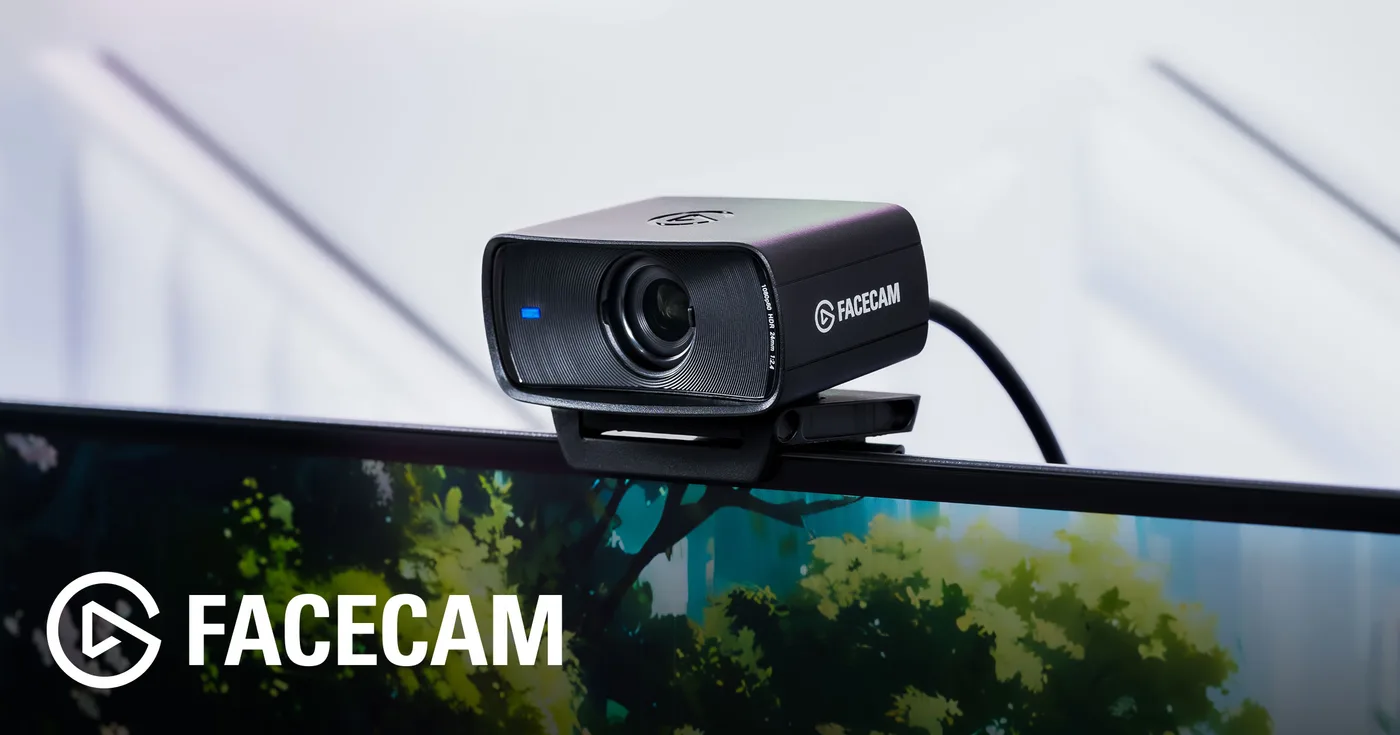
The Facecam and the Link 2 were clearly better: some noise, but recognisable detail and stable colour.
The Tiny 2 was better again, with the noise mostly confined to the background.
The Kiyo Pro Ultra looked like a different category. Clean skin tones, detail retained in the shadows, and no visible gain artefacts — it looked as though the room had another lamp in it.
That is what a big sensor and a fast lens buy, and it is the entire argument for this camera.
Physical
It is big and heavy for a webcam. The clip is solid and grips well, but on a thin laptop lid it is over-specified, and on a very thin monitor it is worth using the tripod thread with a proper mount instead.
There is no privacy shutter in the box, which at this price is a strange omission — a Logitech Brio has one and costs less.
Price
Around $300. That is chair-mat-and-monitor-arm money for a camera, and it is the reason this does not score higher despite having the best image here.
Our honest hierarchy for someone wanting to look better on calls: fix the lighting first — a $140 key light will do more than any camera upgrade. Then, if the room is still genuinely dark, buy this.
Verdict
8.2. The best sensor, the worst software, and a price that only makes sense once you have already solved lighting.
What holds up
- Far and away the best low-light image of any webcam here
- f/1.7 aperture gives genuine background separation — a soft background with no software blur
- Uncompressed 1080p60 over USB 3, which matters for local recording
- Sturdy mount with a proper tripod thread
What wears thin
- Razer Synapse is a heavyweight install for a webcam
- Shallow depth of field means small movements can take you out of focus
- Physically large and heavy for a monitor clip
- Around $300 is a lot for a webcam, however good the sensor