Why a trackball at all
Every mouse, however well shaped, requires you to move your arm. Over an eight-hour day that is thousands of small abductions at the shoulder and hundreds of larger sweeps. For people whose complaint is in the shoulder or the upper arm rather than the wrist, no mouse shape fixes it, because the problem is the movement, not the posture.
A trackball does not move. The device sits in one place and your fingers move the ball. Shoulder movement drops to almost nothing.
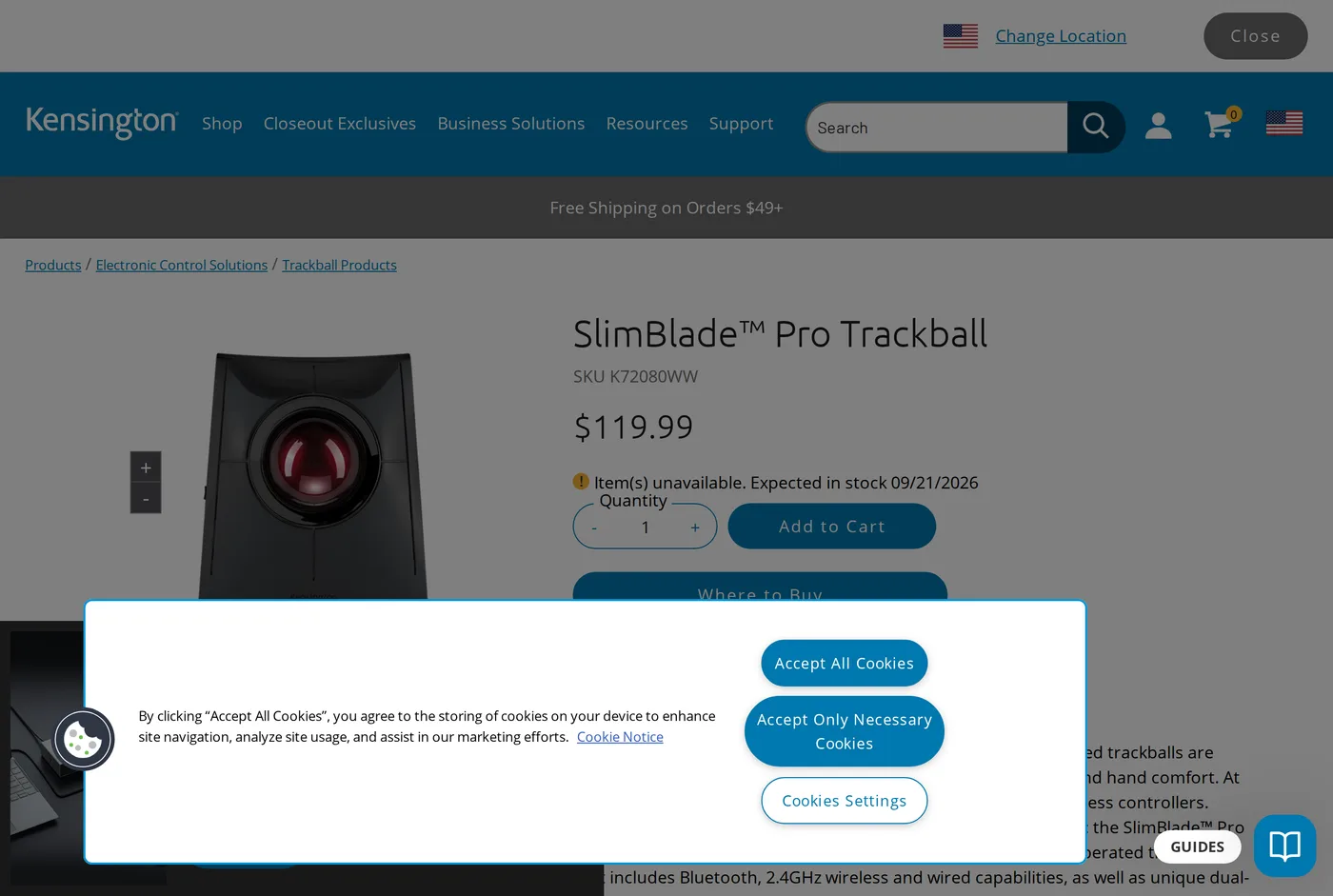
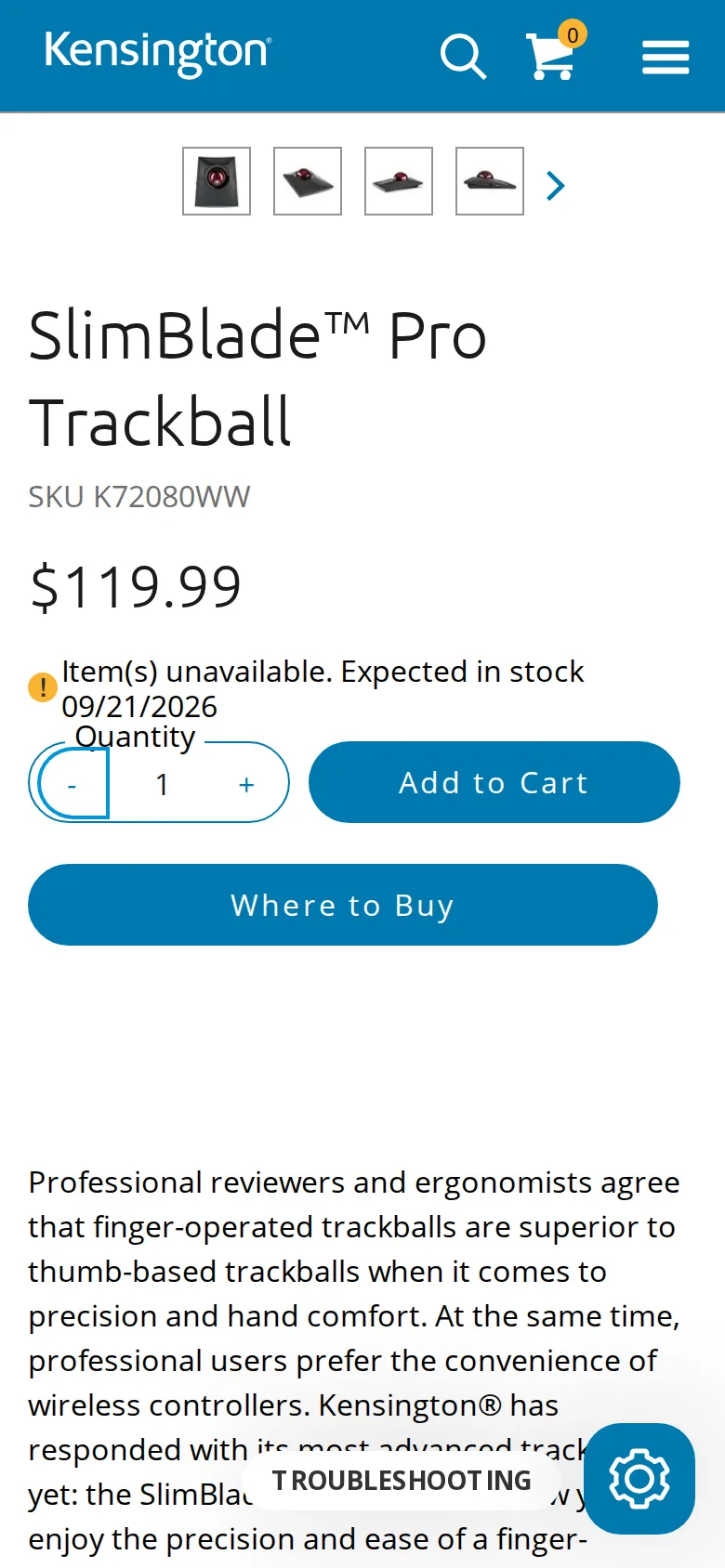
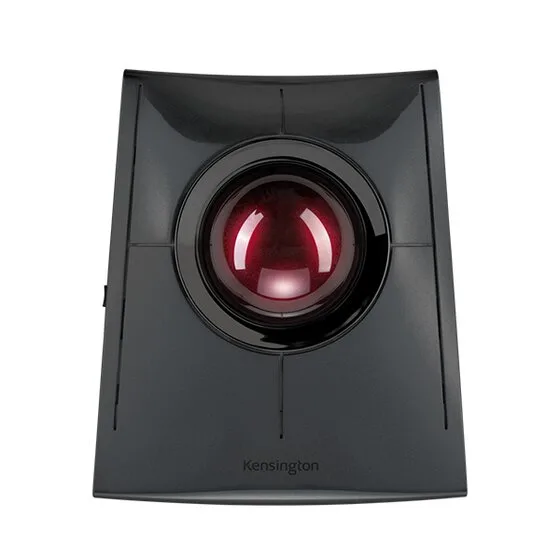
The SlimBlade Pro is a fingertip trackball — a large ball operated by several fingers, rather than a thumb-operated ball. For heavy all-day use we prefer the fingertip style: the load spreads across several digits instead of concentrating in one thumb joint.
Learning it
Two weeks. Genuinely. The first few days are bad — you will overshoot every target, and clicking a small button feels like threading a needle with gloves on. It improves steadily and by the end of a fortnight most people are within a few percent of their mouse speed for ordinary work.
Set the pointer speed lower than feels right at first and raise it as you improve. Everybody starts too fast.
The twist-to-scroll thing
Rotating the ball around its vertical axis scrolls. It is a proper mechanical sensing of rotation, not a gesture, and it is the SlimBlade's most distinctive feature.
It sounds awkward and it is not. Within a few days it becomes the way you scroll, and the fact that scrolling and pointing use the same object, with no wheel to reach for, is one of the reasons the device feels calm to use.
The posture problem, stated plainly
The SlimBlade Pro is flat. Very flat. Your hand rests on it with the wrist extended — bent upwards — and held there, because unlike a mouse your hand does not move away periodically.
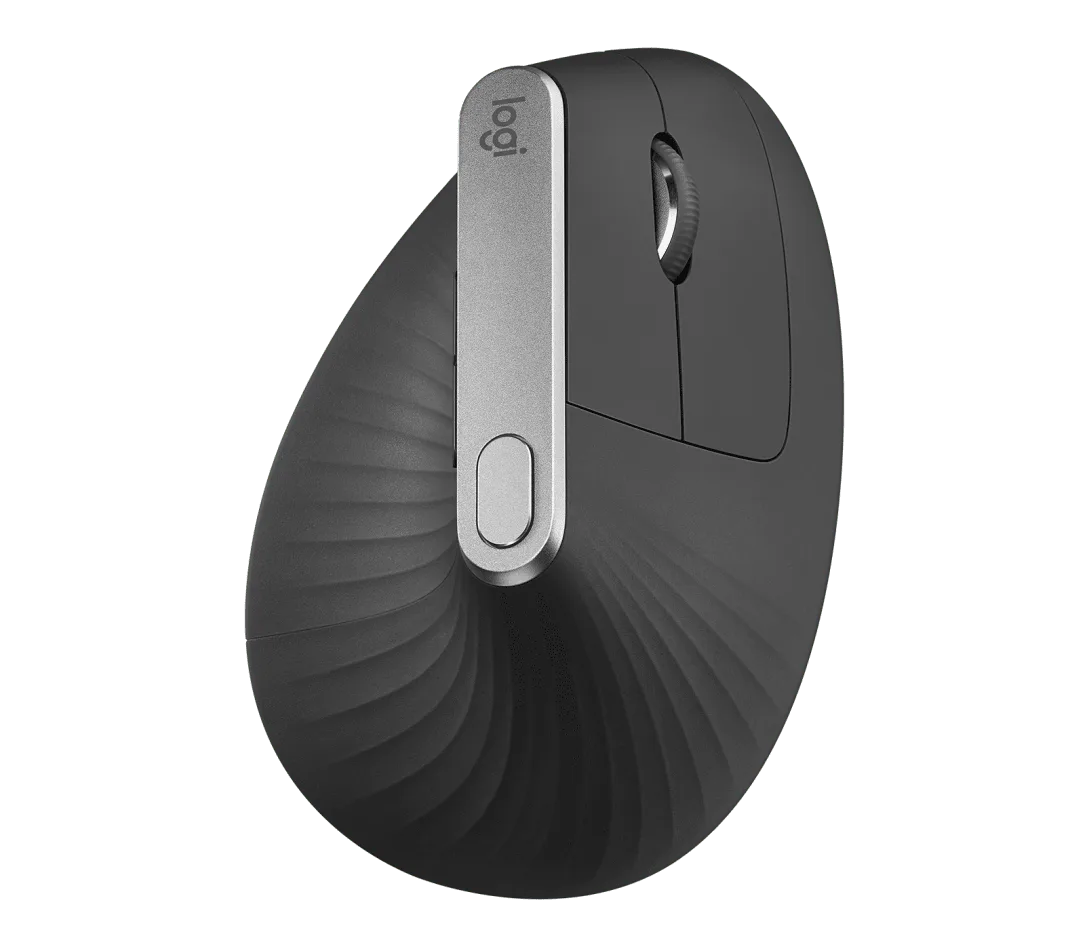
That is the opposite of what we recommend everywhere else on this site, and it is the main reason this scores below the MX Vertical despite being the better tool for shoulder load.
The fix is cheap and mandatory: put something under the front edge to tilt the whole device towards you, or use a wrist rest that brings your palm up to the level of the ball. A few degrees transforms it. Kensington sell a wrist rest; a folded mousemat works as well.
We would like to see Kensington ship a wedge in the box. They do not.
Desk space
A genuine practical advantage that nobody lists. A mouse needs a clear rectangle of desk to move in — call it 25 by 20 cm minimum. A trackball needs its own footprint and nothing else. On a 36-inch desk with a keyboard, that is the difference between having somewhere to put a notebook and not.
Maintenance
The ball sits on bearings and picks up skin oil and dust. Every few weeks it starts feeling gritty, you pop the ball out, wipe it and the bearings, and it is smooth again. Thirty seconds. Some people find this annoying; we find it preferable to a mouse foot wearing out with no remedy.
Fingertip versus thumb
Worth understanding before you buy any trackball, because they are not the same product.
A thumb trackball puts a small ball under your thumb and keeps the rest of the hand in a mouse-like grip. It is easier to learn, it is more accurate quickly, and every movement loads a single saddle joint at the base of the thumb — which is exactly the joint that objects to being used all day.
A fingertip trackball like this one puts a large ball under two or three fingers. It takes longer to learn and spreads the work across several joints, none of which is doing anything unusual.
For occasional use, a thumb ball is fine. For eight hours a day, the fingertip design is the more sensible choice, and that is the main reason we tested this one rather than the popular thumb-operated alternatives.
Connection
Wired USB-C, Bluetooth, or a 2.4 GHz dongle, switchable. Three is generous, and having a wired fallback on a device this expensive is reassuring.
Verdict
7.9. A very good device with one design decision working against it. Tilt it and it is worth more than the score; use it flat and it will trade a shoulder problem for a wrist one.
What holds up
- Zero arm movement: the whole device stays still and only your fingers work
- Twisting the ball scrolls, which is genuinely clever and quickly becomes natural
- Takes a fixed, small footprint — ideal on a 36-inch desk
- Three connection modes including wired, Bluetooth and a dongle
What wears thin
- Sits flat, so your wrist extends — a wedge or a rest is effectively required
- Two weeks before your accuracy comes back
- Large ball needs periodic cleaning; grit under it is immediately obvious
- Fine precision work never quite matches a good mouse