What pronation costs
Hold your arm out and let it hang naturally. Your thumb points roughly upwards — that is a neutral forearm. Now rotate your palm to face the floor, which is what using a normal mouse requires. Your radius has crossed over your ulna and the muscles holding it there are working the whole time your hand is on the mouse.
For a lot of people that is fine for a lifetime. For some it is the origin of a dull ache on the outside of the forearm that arrives about four hours into a working day and that no amount of wrist rest fixes, because the wrist is not the problem.
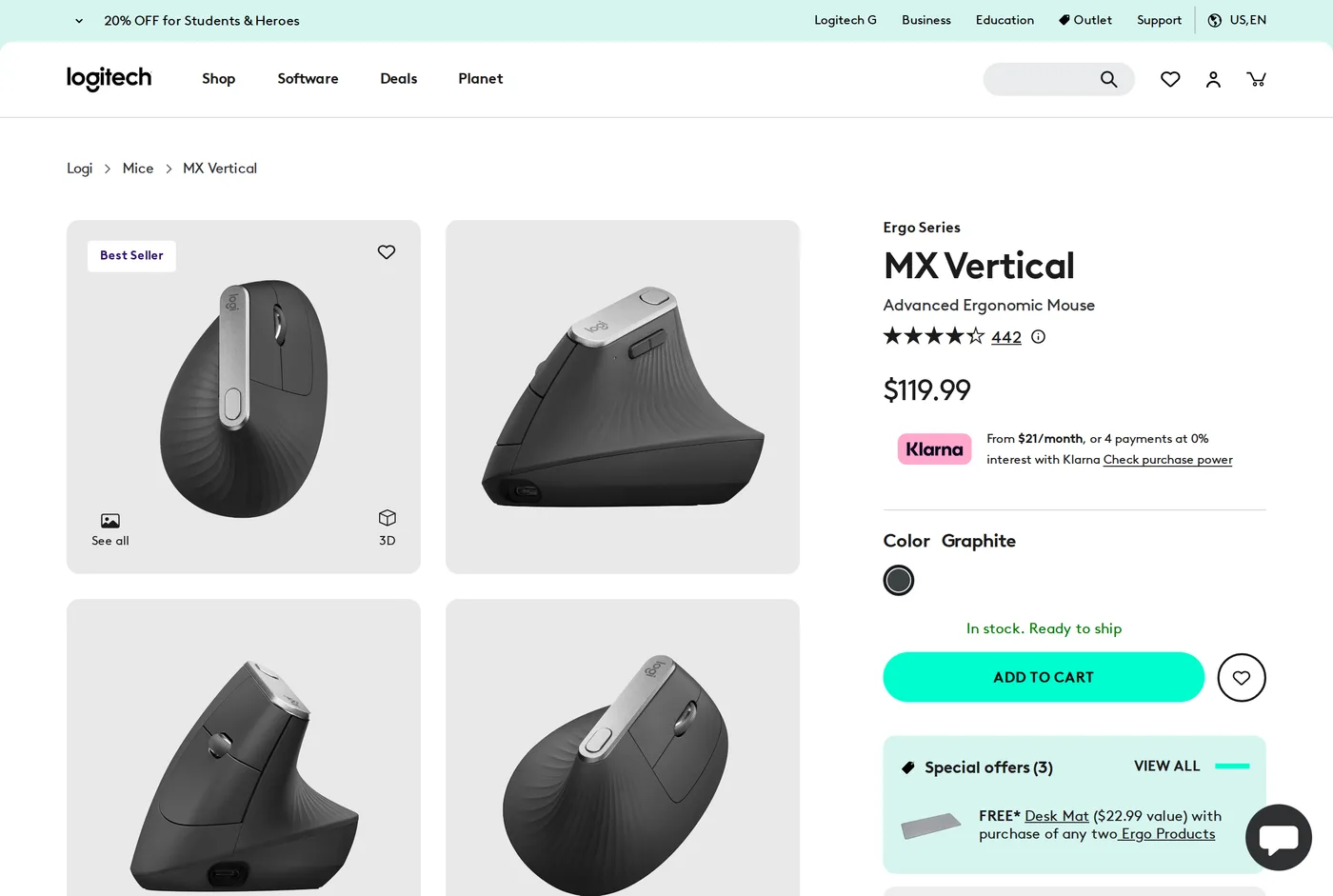
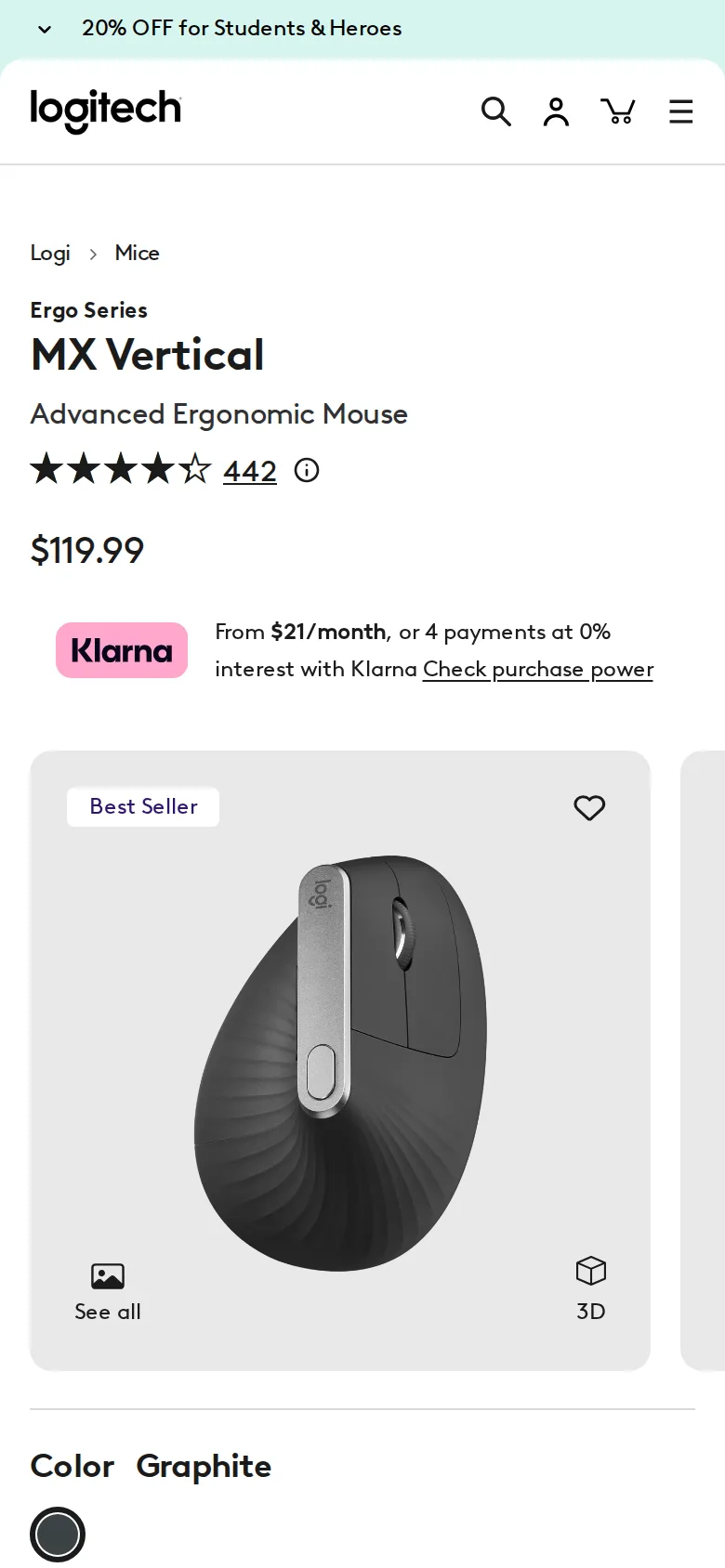
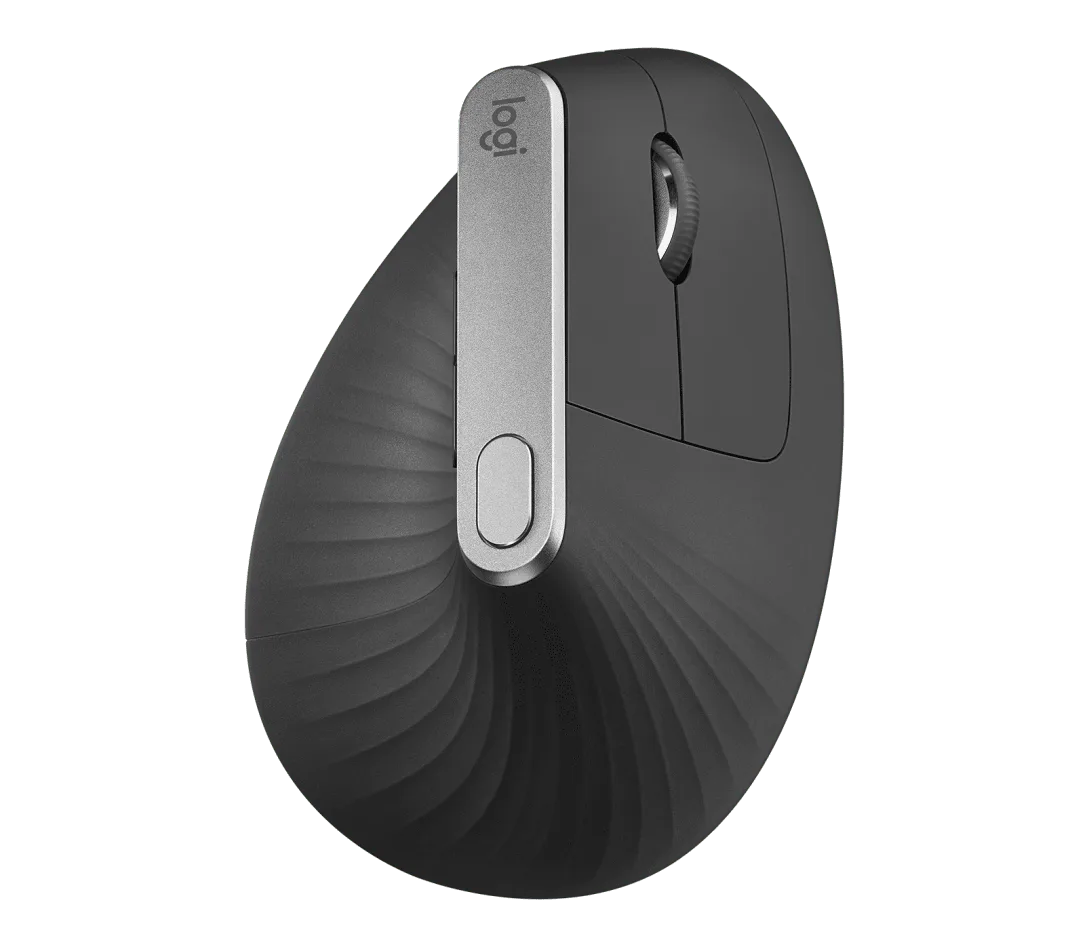
The MX Vertical tilts the mouse to about 57 degrees, which does not reach a full handshake position but gets far closer to neutral than flat. That is the entire product and it works.
The adaptation
Shorter than people expect. Two or three days of feeling slightly clumsy, a week to be back to normal speed. This is dramatically easier than moving to a trackball, which takes a fortnight of genuine frustration.
The thing that takes longest is not the angle but the movement source. On a flat mouse a lot of small cursor movement comes from the wrist. Tilted upright, the wrist can rotate much less, so more of the movement comes from the elbow and shoulder. That is better for the forearm and it is worse for fine control.
Where it is worse
Precision work suffers. Photo retouching, detailed vector work, anything where you are placing a cursor within a couple of pixels repeatedly, is measurably harder on a vertical mouse than on a flat one. The sensor is fine; the biomechanics are the limit.
The button layout is the other real complaint. Two side buttons, positioned where your thumb sits at rest, which means reaching them mid-movement requires a small regrip. After the MX Master 3S's thumb wheel, gesture button and generous side buttons, the Vertical feels sparse. There is no free-spinning wheel either.
Size
It is large. The shell is designed to be gripped rather than rested on, and small hands will find the thumb buttons at the edge of reach. This is a recurring theme with Logitech's ergonomic range and it is worth measuring before buying.
The mistake people make when switching
Almost everyone sets a vertical mouse up with the sensitivity they used before, and then concludes it is imprecise.
Because your wrist can no longer contribute small movements, the same DPI setting now demands the same fine control from your elbow and shoulder, which are much coarser joints. The fix is to lower the DPI by a noticeable margin for the first week, so that movements are larger and therefore easier to control, then raise it gradually as your arm learns the job.
The second adjustment is desk space. A vertical mouse at a lower sensitivity travels further, so you need more clear surface than you did. On a small desk this is the argument for a trackball instead.
Living with it
Three-device switching, USB-C charging, and a quoted battery life in months rather than weeks. The textured coating has not become slippery or sticky over months of use, which is more than some rubberised mice manage.
Logi Options+ enables per-application button mapping and cursor speed adjustment. As with the rest of the range, the mouse works without it.
The honest recommendation
If your forearm aches from mousing, buy this first. It is the intervention with the shortest learning curve and the clearest mechanism, and the effect is usually noticeable within a fortnight.
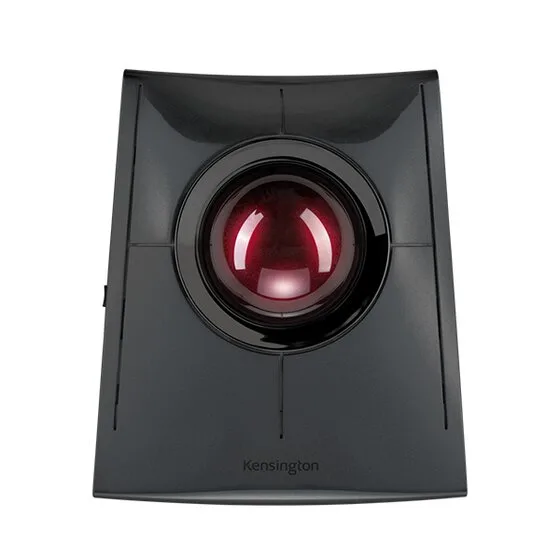
If it helps but not enough, the next step is a trackball, which removes arm movement almost entirely. That is a bigger commitment and we review one elsewhere.
If your forearm does not ache and you want a better mouse, buy an MX Master 3S instead — it costs less and does more.
And, as always on this site: we are describing what a shape does to a joint angle, not diagnosing anything. Persistent pain belongs with a clinician.
Verdict
8.1. Genuinely useful, clearly compromised, and correctly priced as a specialist tool rather than an upgrade.
What holds up
- 57-degree angle puts the forearm close to neutral instead of fully pronated
- Adaptation takes days, not weeks — unlike a trackball
- Works on three devices and charges over USB-C
- Well built; the textured shell does not get slippery
What wears thin
- Fine cursor work is harder — the whole arm moves more, the wrist moves less
- Only two side buttons, and both are awkward to reach mid-movement
- Large; small hands struggle to reach the thumb buttons at all
- Costs more than an MX Master 3S while doing less