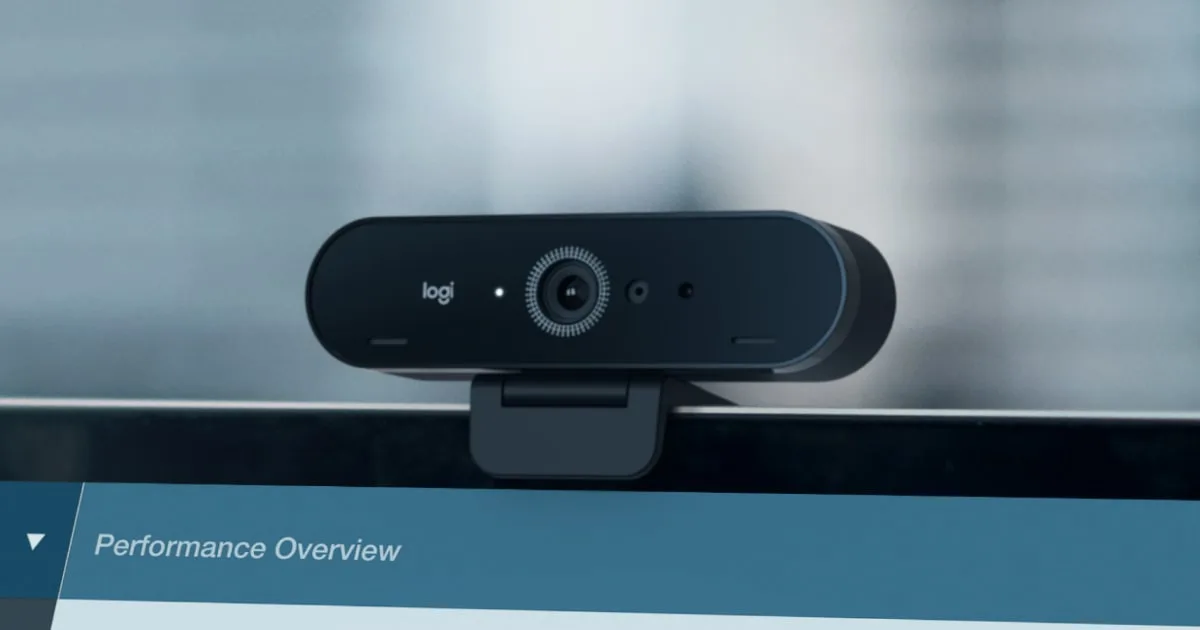
Resolution is the wrong thing to shop for
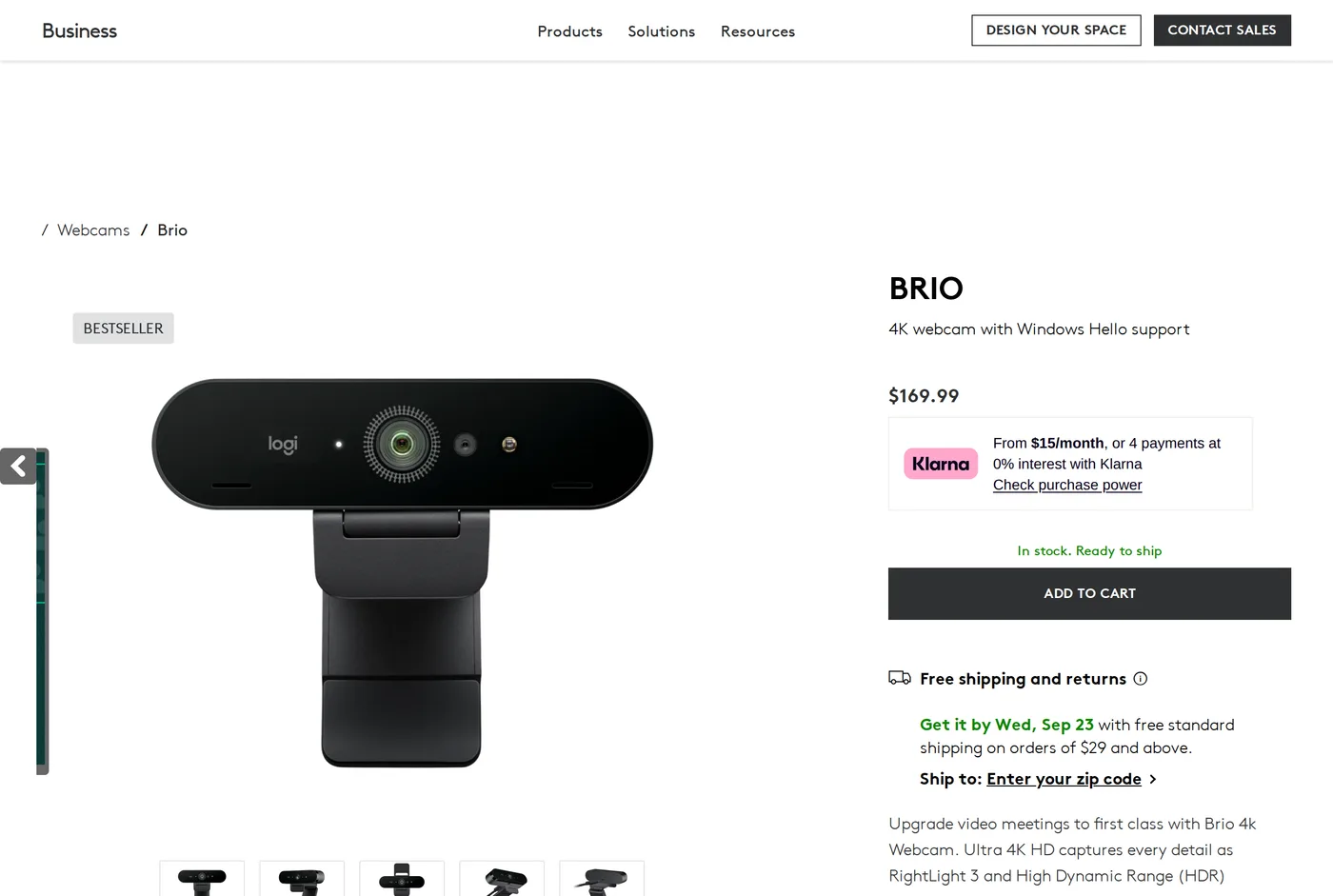
The Brio's headline is 4K. Almost nobody will ever transmit 4K on a video call — Teams, Zoom and Meet all cap well below it, and most of the time you are being sent at 720p to whoever is watching.
What actually determines how you look on a call is sensor size, lens aperture and how the camera handles a dim, unevenly-lit room. On those measures the Brio is mid-table, and that is the honest summary of this review.
Where it is genuinely good
Windows Hello. The Brio has an infrared sensor and supports face sign-in on Windows. If you work on a Windows desktop without a fingerprint reader, this is a real daily convenience and nothing else in this review offers it. For a lot of buyers this alone settles the decision.
Field of view. Three settings: 65, 78 and 90 degrees. The 65-degree crop is genuinely useful — it is a portrait framing that cuts out the mess behind you without any digital zoom softness. Most webcams give you one wide angle and a digital zoom.
Plumbing. It is a standard UVC device. Plug it into a Mac, a Linux box or a locked-down corporate laptop and it works with no driver. Logi Tune adds control over exposure and field of view, and is not required.
Support. Logitech will still be selling this and supporting it in three years. For anyone buying twenty of something, that matters more than image quality.
Where it falls down
Low light. The sensor is small and the lens is not fast, so as the room dims the camera raises gain, and the picture goes soft and noisy with visible colour blotching in the shadows. In a north-facing room on a grey afternoon, the Brio looks worse than a modern phone camera by a wide margin.
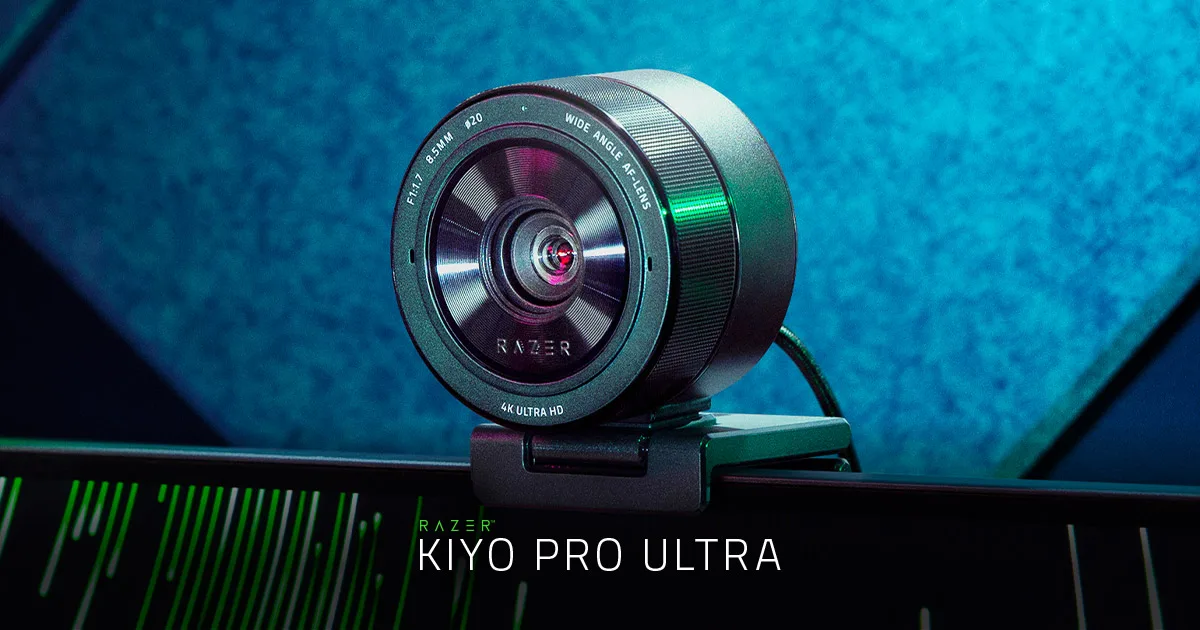
The Razer Kiyo Pro Ultra, reviewed elsewhere here, exists precisely because of this, and the difference in a dim room is not subtle.
Autofocus is the other complaint. It hunts when something moves close to the lens — a hand gesture, picking up a mug — and takes a beat to settle. On a call that is a visible wobble.
What to change in the software
Logi Tune is optional, and if you install it there are three settings worth touching.
Turn RightLight down or off. It is Logitech's automatic exposure and colour correction, and its instinct in a backlit room is to raise brightness until your face is flat and the window behind you is white. Setting exposure manually produces a better picture in any room whose light does not change.
Set the field of view to 65 degrees unless you have a reason not to. The default 78 includes a lot of room, and the room is rarely the point.
Turn autofocus off if the application allows it. Fixing focus at your working distance removes the hunting, which is the Brio's most visible flaw, and turns it into a camera much more like the Elgato.
That last change costs nothing and improves the product more than any setting Logitech puts in the first screen.
Mounting
The clip is the older folding design and it is fussy on thin bezels and on laptops with a very shallow lid. It has a tripod thread underneath, which is the escape route: a small desk tripod or a monitor-arm accessory mount is more stable and lets you set the height properly.
Height matters more than most people think. A camera below eye level looks up your nose and makes the room's ceiling the background; the top of the monitor is the right place.
The privacy shutter
The Brio ships with a clip-on privacy cover, and it is worth mentioning because two cameras in this review do not have one at any price.
It is a plastic clip that slides over the lens. Crude, effective, and unambiguous in a way that a software indicator light is not — you can see from across the room whether the camera can see you.
The one complaint is that it has to be removed rather than slid aside, so it ends up on the desk and eventually in a drawer. An integrated slider, as found on far cheaper cameras, would be better.
Who should buy it
Someone on Windows who wants face sign-in. Someone specifying cameras for a team who needs consistent behaviour, driver-free operation and long availability. Someone in a bright room who wants the 65-degree framing.
Someone working in a dim room who wants to look good: spend the same money on a bigger sensor. That is the whole trade.
Verdict
7.8. Competent, well supported, and beaten on picture quality by cameras at the same price. The Hello support is what keeps it on the list.
What holds up
- Windows Hello face sign-in, which no rival here offers
- Three fields of view (65°, 78°, 90°) switchable in software
- Genuinely sharp at 4K in good light, and 1080p60 is smooth
- Works as a plain UVC camera on any machine with nothing installed
What wears thin
- Small sensor: noisy and soft once the room gets dim
- Autofocus hunts when you gesture near the lens
- The clip is fussy on thin monitor bezels
- Costs more than cameras that take a better picture