The problem, precisely
A desk lamp lights your desk and reflects off your screen. A ceiling light does the same thing from further away. So most people working in the evening turn everything off, and end up staring at a bright rectangle in a dark room, which is the highest-contrast situation you can construct for an eye.
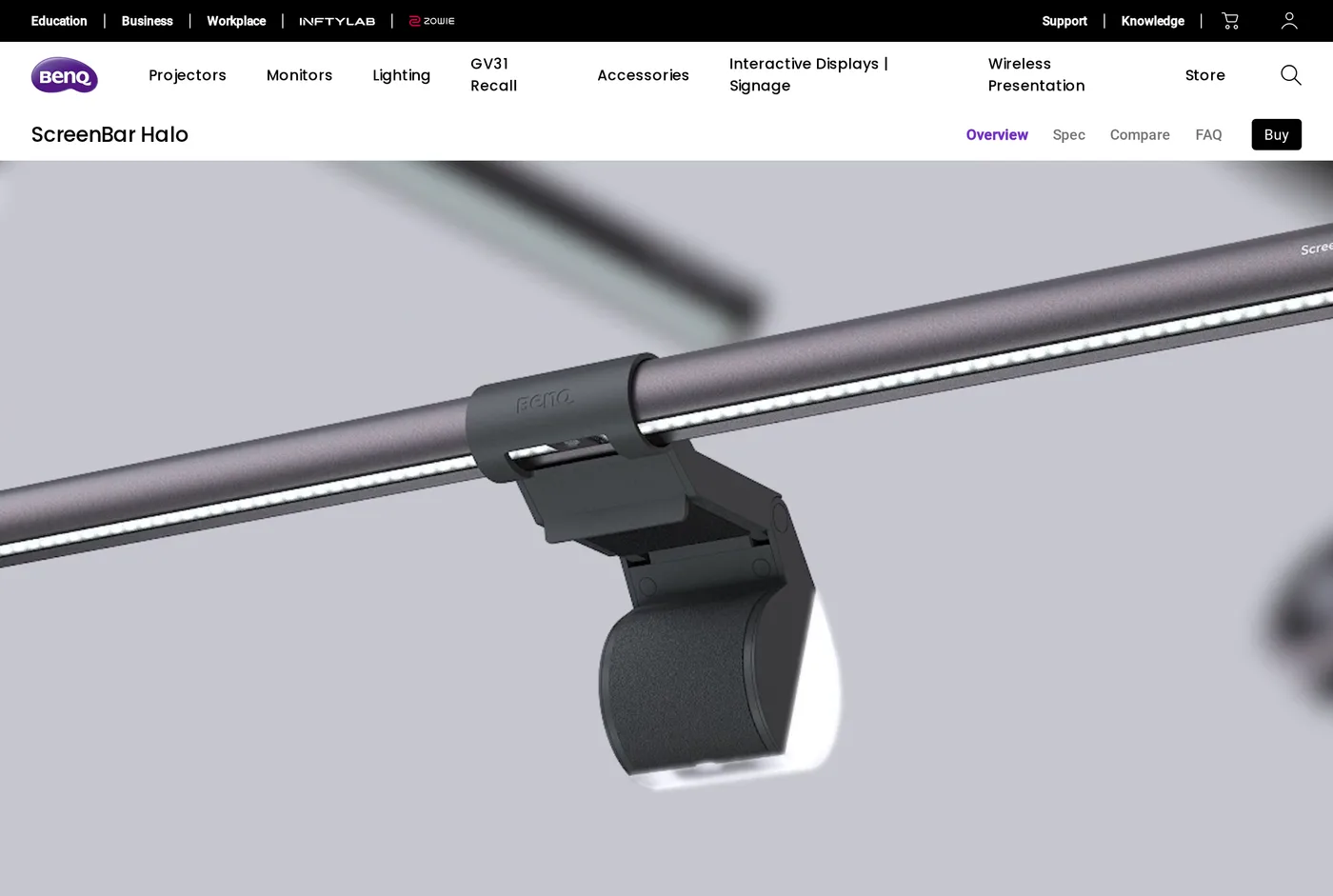
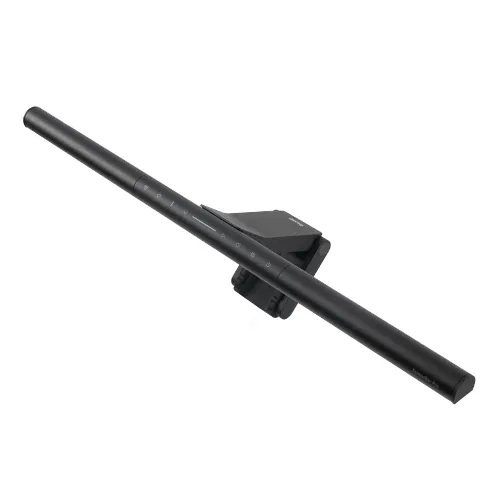
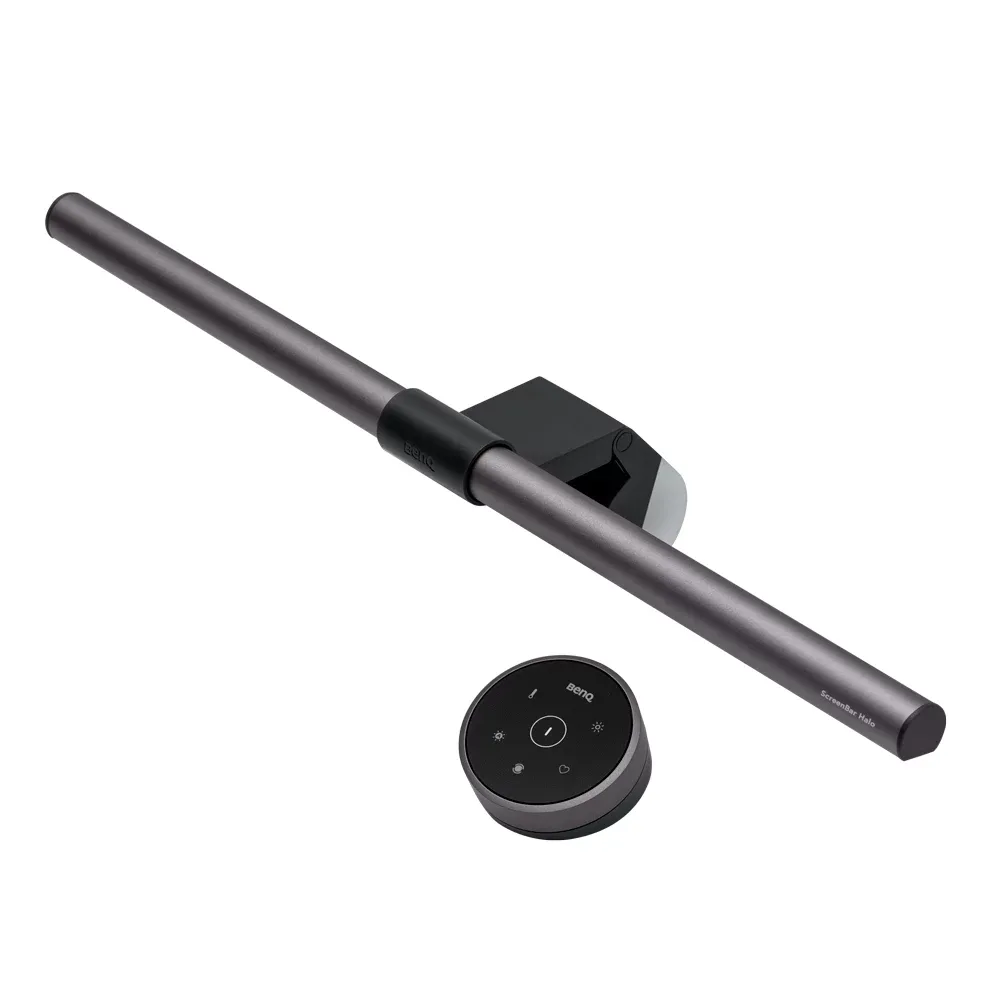
The fix is light on the desk and none on the screen. BenQ's answer is a bar that sits on top of the monitor, pointing down and forward, with an asymmetric reflector that cuts the upward and backward spill.
It works. That is the review, really. Sit at a desk at nine in the evening with a ScreenBar on and the difference is immediate: the keyboard is lit, the paper beside it is lit, the screen has no reflection on it at all, and the room stops feeling like a cave.
What the Halo adds over the cheaper models
The wireless puck. The base ScreenBar has buttons on the bar itself, which means reaching over or behind your monitor every time you change something. The Halo comes with a desk puck: press for on/off, turn for brightness, press-and-turn for colour temperature, with a button for auto-dimming. It is the difference between adjusting the light and not bothering.
The backlight. A second LED strip faces backwards, washing the wall behind the monitor. This is not decoration — the bright-screen-against-dark-wall contrast is a real source of eye fatigue, and lifting the wall brightness reduces it. In a room with a dark wall behind the desk it makes more difference than the front light does.
Auto-dimming. A sensor reads ambient light and holds the desk illumination roughly constant. It is a nice idea and it is the feature we use least; it hunts a little at dusk, and we prefer setting it by hand.
Fitting it
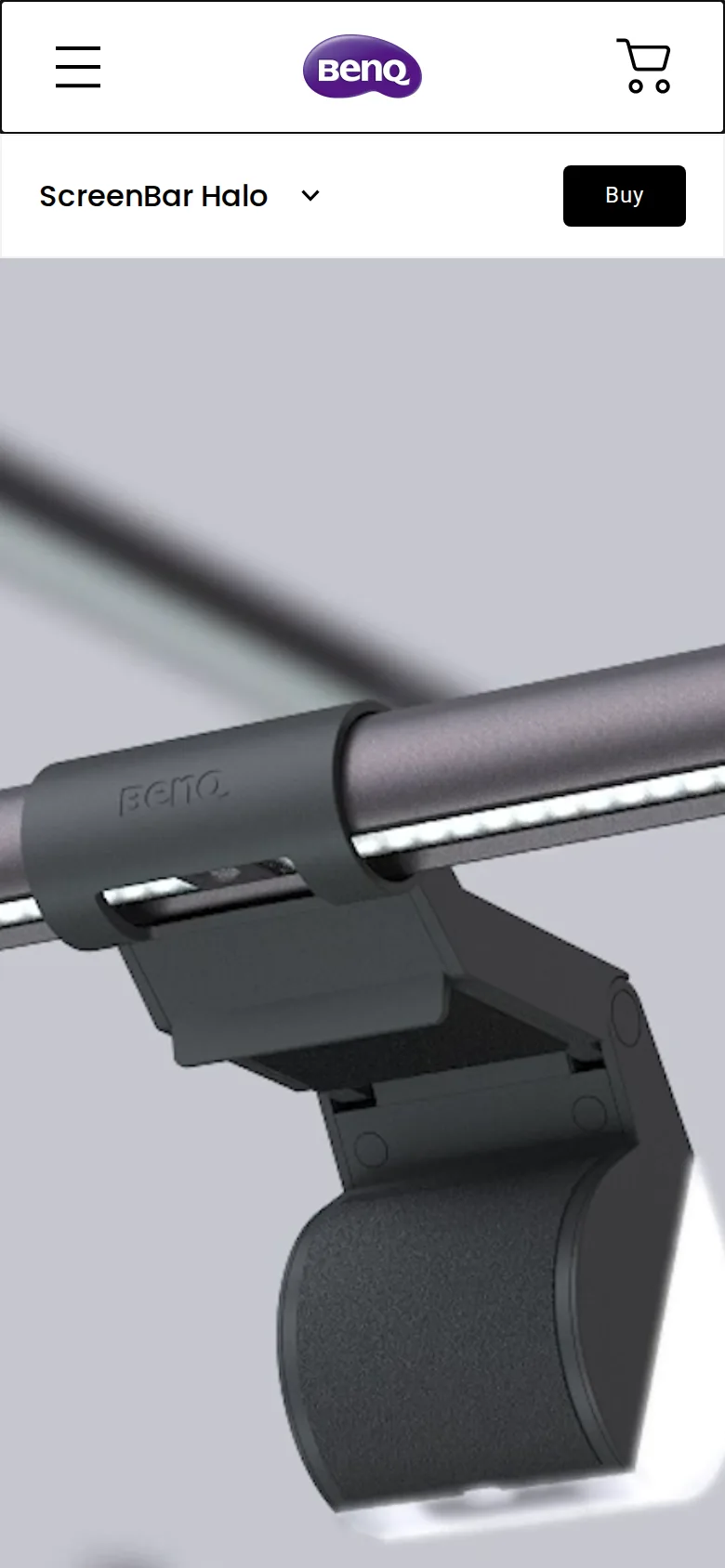
The clip is a counterweighted hook rather than a clamp, so it applies no pressure to the panel. It suits most monitors between roughly 1 and 3 cm at the top edge.
Two cases give trouble. Very thin OLED panels with a bulge lower down can leave the bar sitting at an angle, and monitors with a pronounced curve at the top edge need care. BenQ publish a compatibility guide and it is worth two minutes before ordering.
Power is USB-A or USB-C from the monitor, a dock or a charger. If your monitor has a spare USB port, the light turns on and off with the screen, which is the neatest arrangement.
Colour and quality
Adjustable from a warm 2700 K to a cool 6500 K, and BenQ claim a high colour-rendering index. We do not have a calibrated spectrometer, so we will not quote a number — what we can say is that printed colour looks right under it, and skin tones on a video call do not go green, which is the failure mode of cheap LED strips.
There is no visible flicker, including on camera, which matters if you are on video calls.
Setting it up so it is actually comfortable
Two settings do most of the work, and the defaults are not them.
Brightness. Most people run it far too high. Set it in the evening with the room lights as they will normally be, and turn it up only until the keyboard and the desk surface read comfortably. If the desk is brighter than the screen, you have gone too far.
Colour temperature. Match it roughly to the rest of the room. A 6500 K bar in a room lit by warm bulbs looks blue and jarring; around 3500 to 4000 K sits comfortably in most homes in the evening, and cooler is fine during the day.
The backlight wants to be dim. Its job is to lift the wall out of blackness, not to light the wall. Set it so you can just tell it is on.
Against the alternatives
A good task lamp does more: it can be aimed at a specific thing, it lights a larger area, and it works when you are not at the screen. The Anglepoise reviewed elsewhere is a better lamp in every sense except the one that matters here.
But a task lamp takes desk space and reflects off the screen unless carefully placed, and on a small desk there is often nowhere to put one. The ScreenBar takes none.
Our recommendation for most home offices: the ScreenBar for screen work, and a cheap lamp elsewhere in the room for general fill.
Verdict
8.9, and the highest score in this category. It solves a real problem completely, costs less than a chair mat, and does not cost you any desk.
What holds up
- Asymmetric optics put light on the desk and none on the screen — the whole point, and it works
- Occupies zero desk area; it sits on top of the monitor
- The wireless puck is far better than reaching behind the monitor for buttons
- Rear backlight softens the contrast between a bright screen and a dark wall
What wears thin
- The counterweight clip does not suit every monitor profile — check yours
- Powered over USB from your monitor or dock; another cable to route
- The puck runs on a coin cell and eventually needs one
- BenQ's pricing moves constantly, which makes the value hard to pin down