What a dock is really for
Not ports. Cable count.
If your laptop is your main machine, every morning you plug in a monitor, a keyboard, a mouse, ethernet, power, headphones and possibly a drive. That is seven things to connect and seven to disconnect, and it is the single biggest reason people end up working on a laptop screen on the sofa instead of at a proper desk.
A dock reduces that to one Thunderbolt cable. Whether it has twelve ports or eighteen matters much less than whether it reliably brings everything up every single time.
The TS4 does. Over months of daily plug and unplug on both a Mac and a Windows laptop, it has not failed to bring up both displays, ethernet and audio. That reliability is the actual product.
The port count
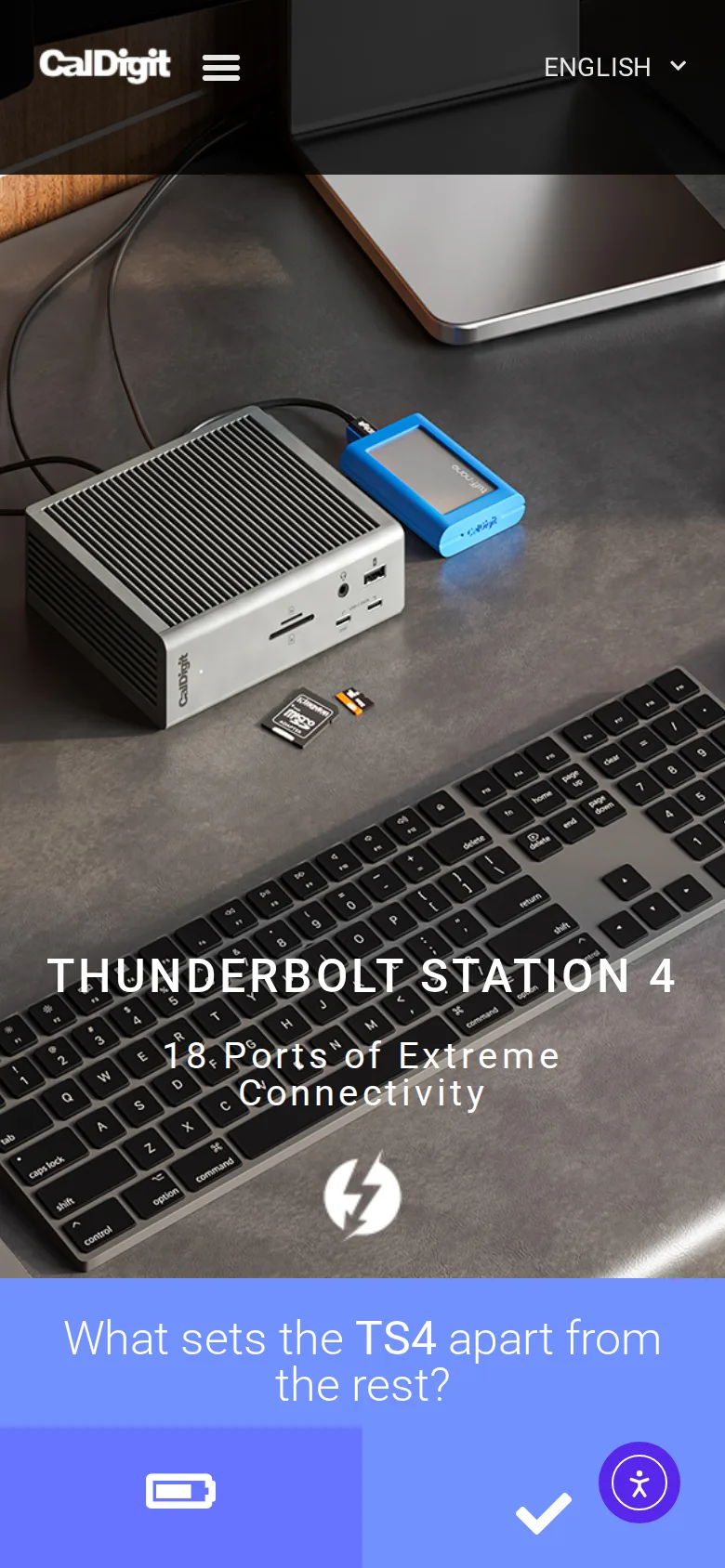
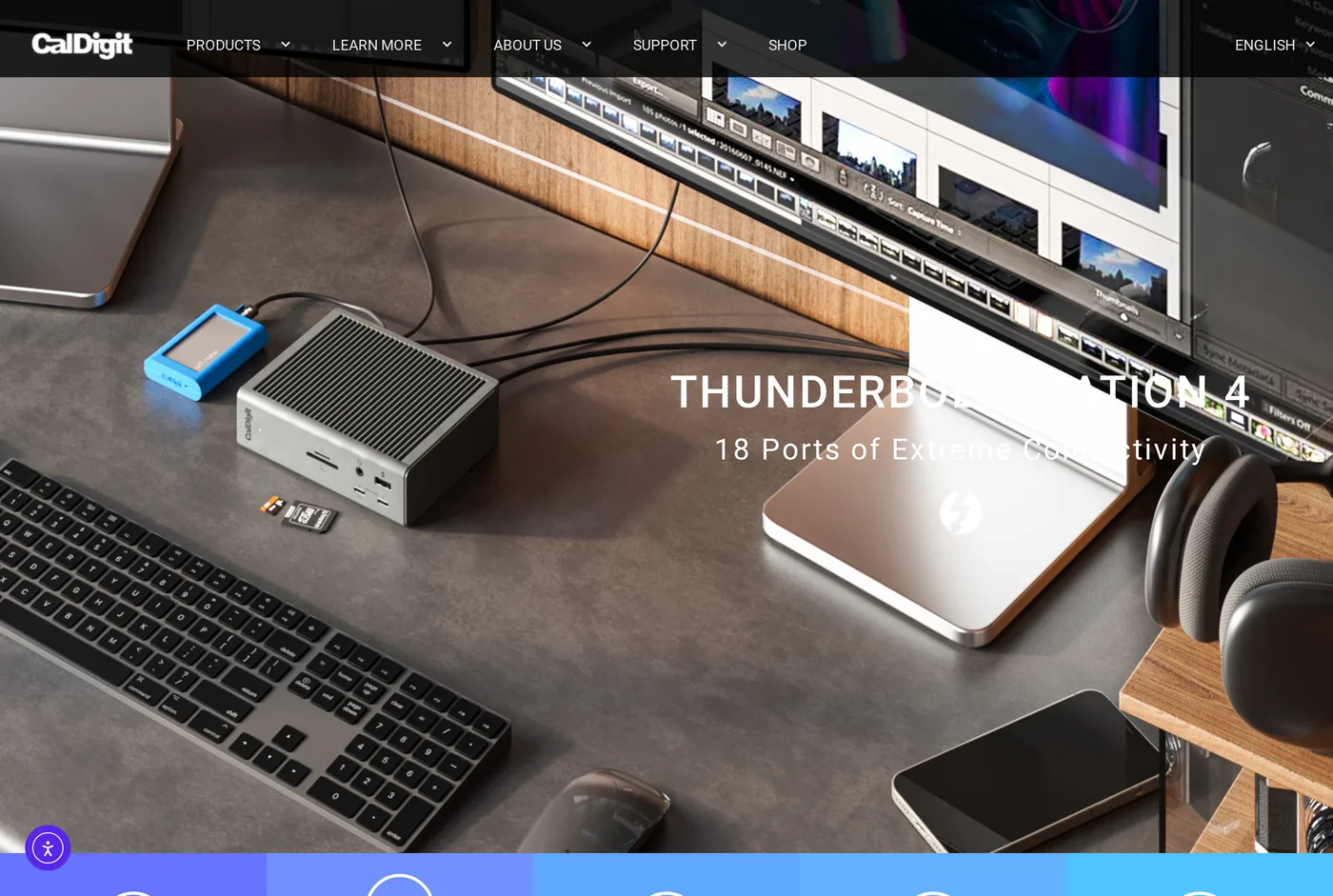
Eighteen, and the distribution is well judged: Thunderbolt 4 out, several USB-C and USB-A, DisplayPort, 2.5 Gigabit Ethernet, SD and microSD readers, and separate 3.5 mm in and out.
Two details are better than the raw number.
2.5 Gigabit Ethernet, not gigabit. If you have a 2.5 Gb switch or a NAS, this removes a bottleneck most docks leave in place, and it costs nothing extra here.
Front-facing ports. A USB-C, a USB-A and the card readers face forwards. Every dock that puts everything on the back turns "plug in a USB stick" into a reach behind the monitor. Somebody at CalDigit has used a dock.
Charging
98 W. This is the specification that separates a good dock from a bad one, and it is routinely misunderstood.
A 16-inch laptop under load draws far more than at idle. A dock delivering 60 W will keep the machine alive and slowly drain the battery during a long compile or an export. 98 W covers essentially every laptop that charges over USB-C, including the power-hungry ones, under sustained load.
The cost is an external power brick the size of a paperback, which has to live under the desk. There is no way around this; the energy has to come from somewhere.
Heat
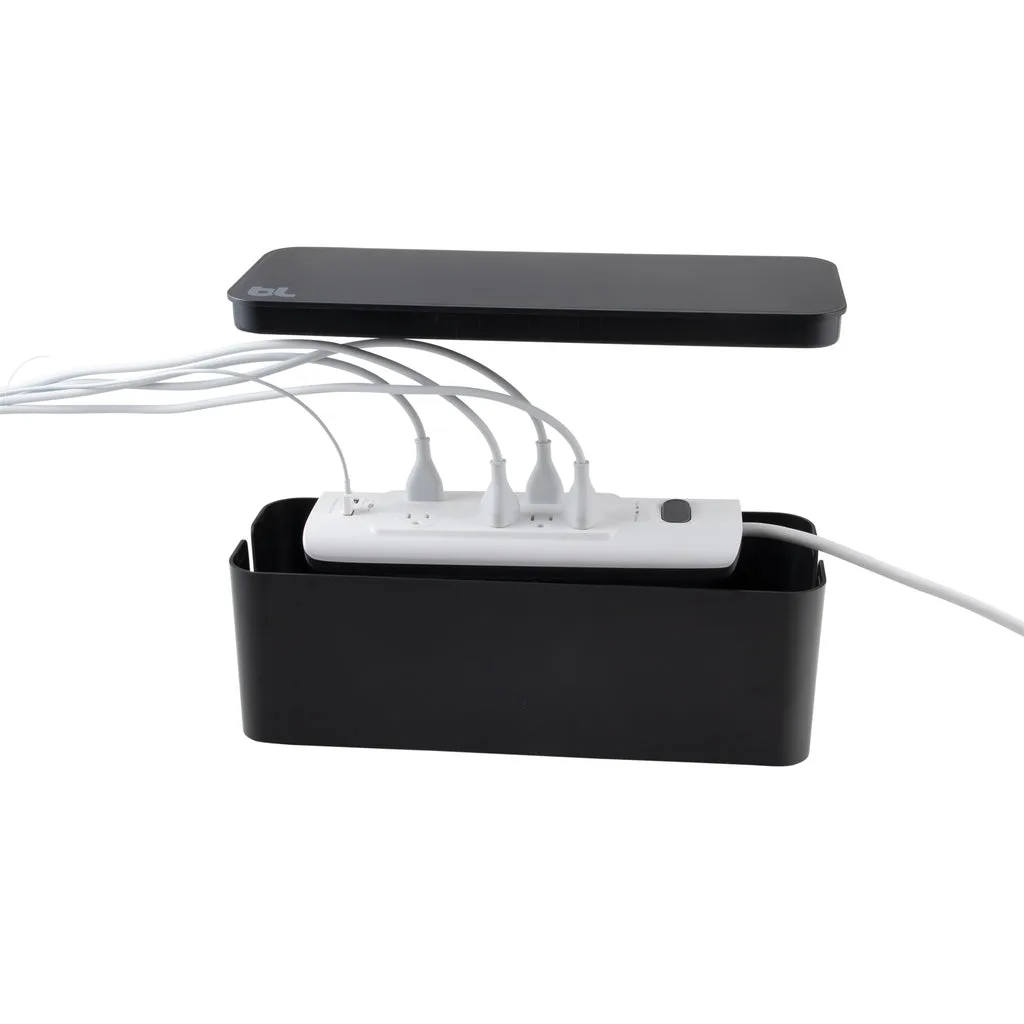
The TS4 gets hot. Not dangerous, but warm enough that you notice it when you pick it up, and warm enough that it should not be shut in a drawer, buried under paper, or stood in a sealed cable box.
The aluminium body is the heatsink, which is why it feels hot — that is the design working. Stand it vertically on the supplied foot, leave air around it, and do not put it on a steel desk surface right next to another heat source.
The cable nobody budgets for
A dock is only as good as the cable between it and the laptop, and this is where a surprising number of setups fail.
The TS4 includes a Thunderbolt cable, and it is short — deliberately, because Thunderbolt 4 at full bandwidth over passive copper has a hard length limit of about 0.8 m.
If your laptop sits further from the dock than that, you need an active Thunderbolt cable, which costs considerably more than a passive one and which people routinely substitute with a cheap USB-C cable that happens to fit. The result is a dock that works, mostly, until a second display drops out.
Plan the physical layout so the supplied cable reaches. It is cheaper than the alternative and more reliable.
Displays
Dual displays on both Mac and Windows, and 8K single-display support. Mac users should be aware of the platform's own limits on external displays, which vary by chip and which no dock can work around; the TS4 does everything it can on its side.
Price, and whether you need it
Around $400, which is a lot, and the honest answer is that many people do not need this.
If you plug in a monitor, a keyboard and power, a $150 dock does the job. The TS4 earns its price when you have a lot of peripherals, a 2.5 Gb network, card readers you actually use, and a laptop that needs real charging power.
For that person it is the best product in its category and we would buy it again.
Verdict
8.6. Reliability and charging headroom justify the price for a specific user; everybody else should buy something smaller and spend the difference on a chair.
What holds up
- 18 ports, including 2.5 Gigabit Ethernet and both SD and microSD readers
- 98 W of charging handles a 16-inch laptop under load, not just at idle
- Dual-display and 8K support, with sensible behaviour on both Mac and Windows
- Front-facing ports you can actually reach, which most docks get wrong
What wears thin
- Gets genuinely hot — it needs air around it and a metal desk makes it worse
- Around $400 before you have bought a single cable
- The external power brick is large and has to live somewhere
- Overkill if you plug in three things