This is a single-question review
Is your monitor heavier than about 9 kg, or wider than about 34 inches?
If no: buy the Uplift Enfield reviewed elsewhere on this site, save the money, and stop reading. This arm will work, it will be unnecessary, and you will have bought a large object to do a small job.
If yes: this is the arm, and the rest of this review is about what owning one is actually like.
What it holds
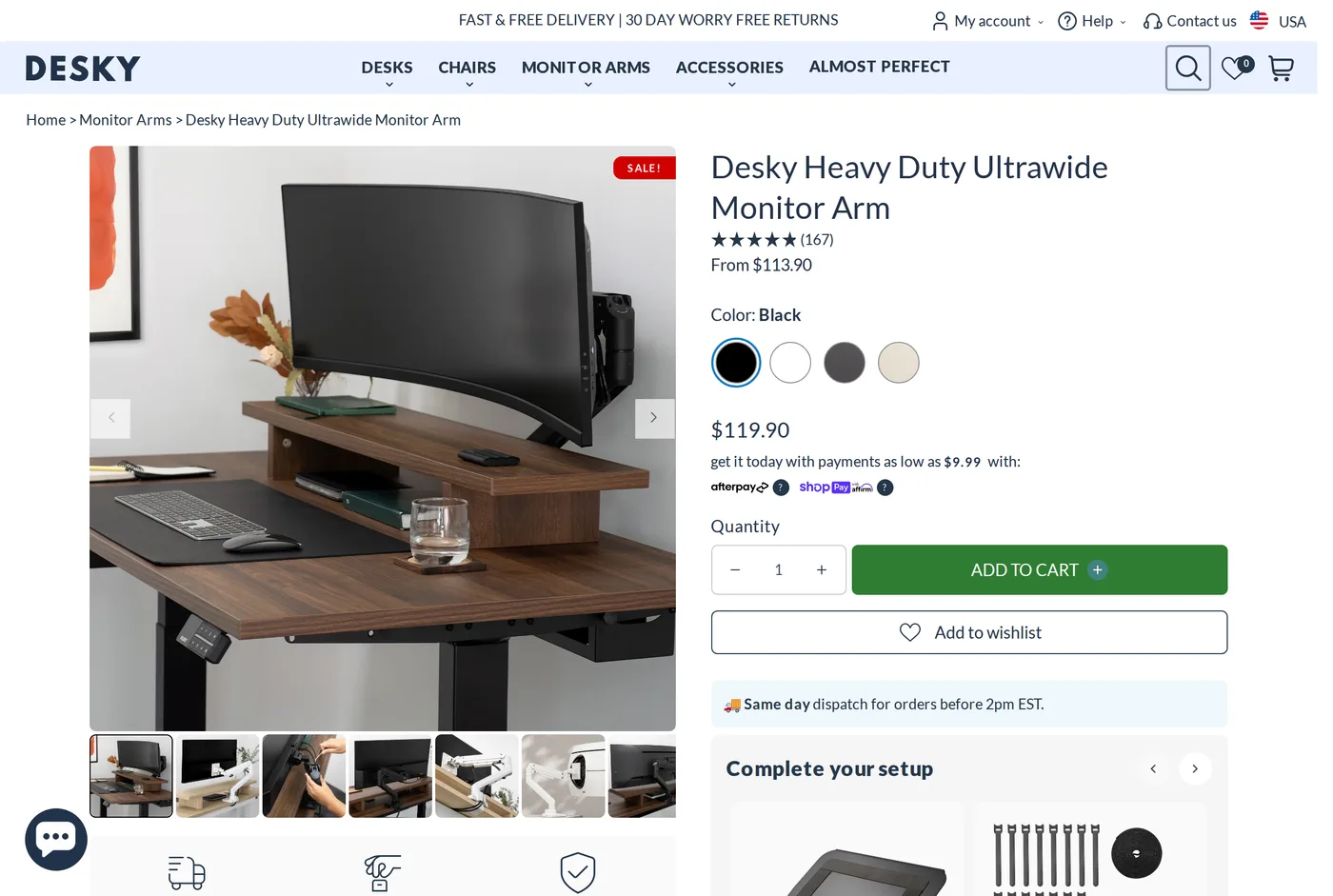
The big curved panels — 49-inch super-ultrawides, heavy 42-inch screens, and the older thick-bezel professional displays that weigh far more than their size suggests.
Under load it does not sag, and that is worth stating plainly because sag is the defining failure of heavy-duty arms. Plenty of arms that hold a 15 kg panel on day one are drooping by month six. After several months ours has not moved, and the tension has not needed touching.
At around $114 it undercuts the contract-brand heavy arms by a wide margin, which is the second reason to consider it.
The problem is not the arm, it is the desk
Nobody warns you about this. Put 15 kg on a 60 cm arm and the leverage at the clamp is considerable — far more than the monitor's own weight suggests. On a thin particle-board desktop, two things happen: the clamp compresses the board and leaves a permanent dent, and the whole desk flexes when you nudge the screen.
Practical advice:
Use the widest spreader plate you can, and add a strip of hardwood under the clamp if your top is thin.
Clamp over a leg or a crossbar wherever the layout allows, not in the middle of an unsupported span.
On a sit-stand desk, check the frame's stated load includes the arm and the screen. A heavy panel on an arm behaves like more than its own weight once the desk starts moving.
We have watched a heavy arm turn a perfectly decent budget standing desk into a wobbling liability. The arm was not the problem.
Size and desk depth
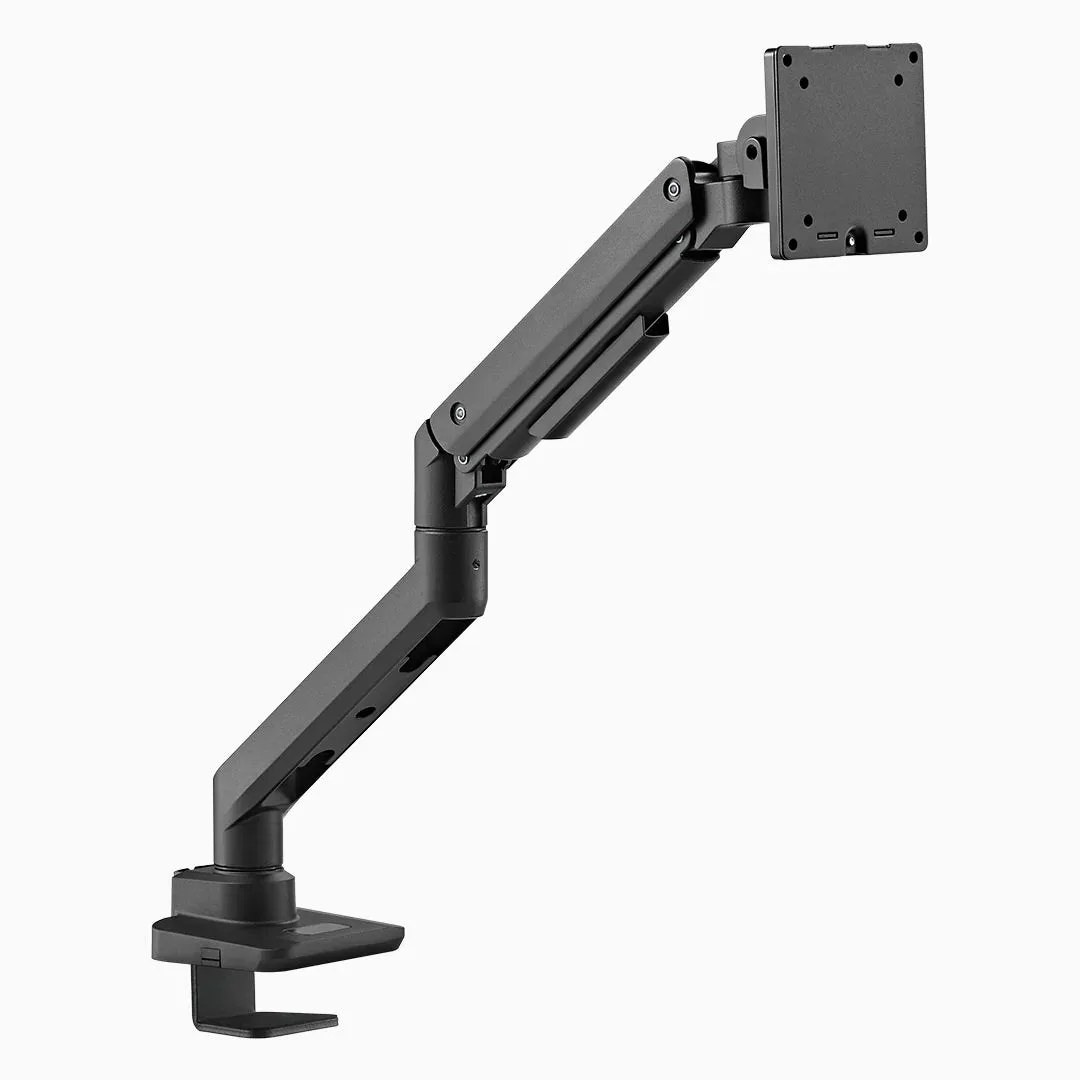
It is physically large. The shoulder joint is chunky and sits further back than a normal arm's, which eats depth behind the screen. On a 24-inch-deep desk against a wall you may find the arm cannot retract as far as you want and the screen sits further forward than ideal.
Measure before you buy. This is the most common practical complaint about any heavy arm and it has nothing to do with how well it works.
Living with a very large screen on an arm
A few things we learned putting a 49-inch panel on one.
You will use less of the travel than you expect. A screen that wide already fills your field of view; swinging it around is not something you do. What you actually use is height and a little depth.
Cable routing gets harder, not easier. A big panel usually means a thick DisplayPort cable, a power cable and often a USB upstream. Desky's channel closes over two comfortably and complains about three — better than most, not magic.
Check the VESA pattern. Large panels frequently use 200 × 100 or 200 × 200 rather than the 100 × 100 the arm expects, and the adapter is an extra purchase nobody mentions until the box is open.
Assembly
Heavier and more awkward than a normal arm, and genuinely a two-person job once the screen is involved — one to hold, one to engage the VESA plate. Do not attempt it alone with an expensive panel; the moment where the screen is half-attached is exactly where drops happen.
The clamp and hardware are proper steel, and the instructions are clear enough that we did not need to re-read a step.
Warranty
Desky describe their cover as industry-leading, and their standard terms across desks and accessories are long by the category's standards. For a component that will outlive two or three monitors, that matters.
Verdict
An 8.2, below the Enfield for a specific reason: the Enfield is right for almost everyone and this is right for a few people. Within its niche it does the job at a price the specialist brands do not come close to.
What holds up
- Holds the big curved ultrawides that ordinary arms sag under
- Costs a fraction of what heavy-duty arms from the contract brands do
- Cable routing runs inside the arm and closes over two thick cables
- Same-day dispatch and free US shipping
What wears thin
- Physically large — the shoulder joint eats desk depth behind the screen
- A heavy panel on a long arm will expose a thin or unsupported desktop
- Assembly needs two people once the screen is involved
- Overkill, and awkward, for anything under about 9 kg