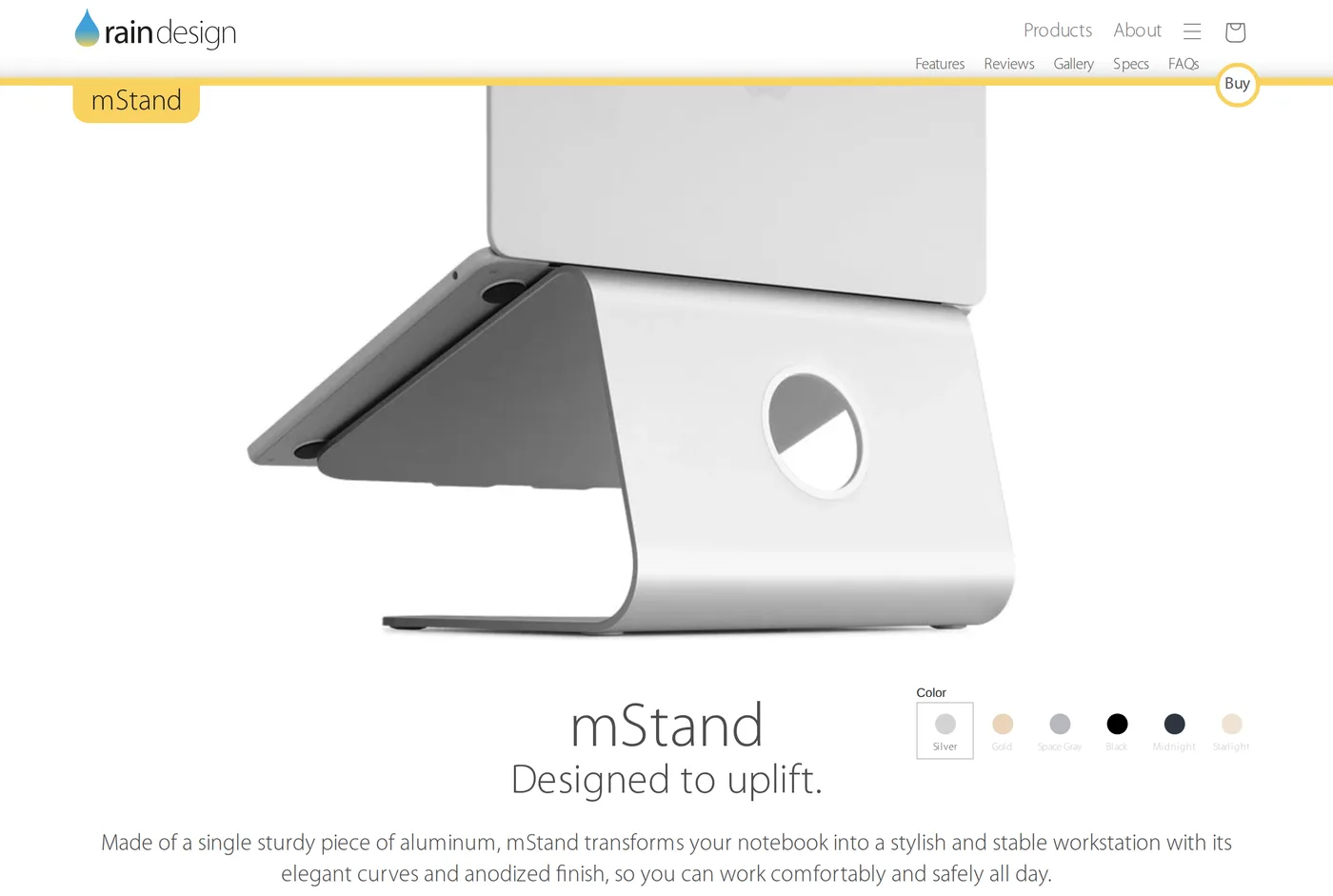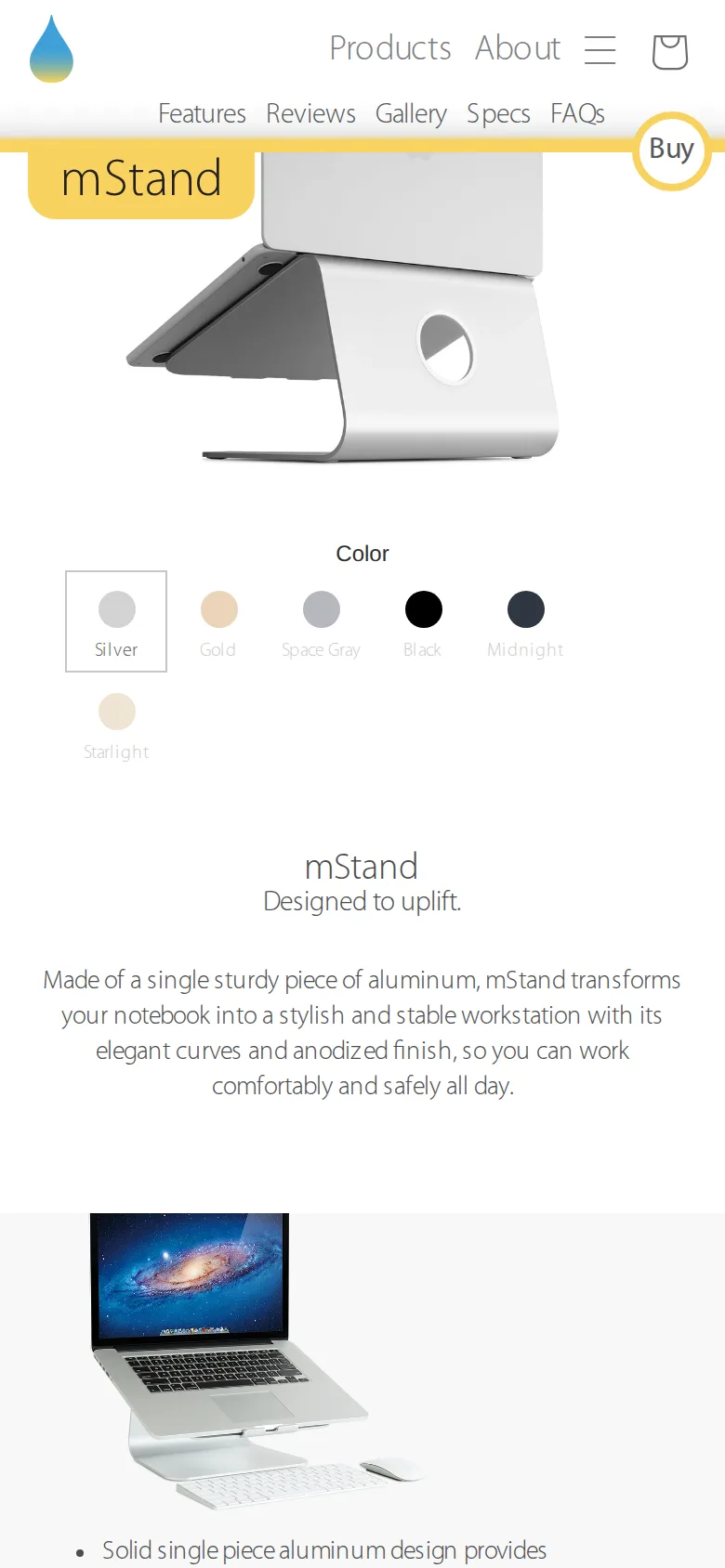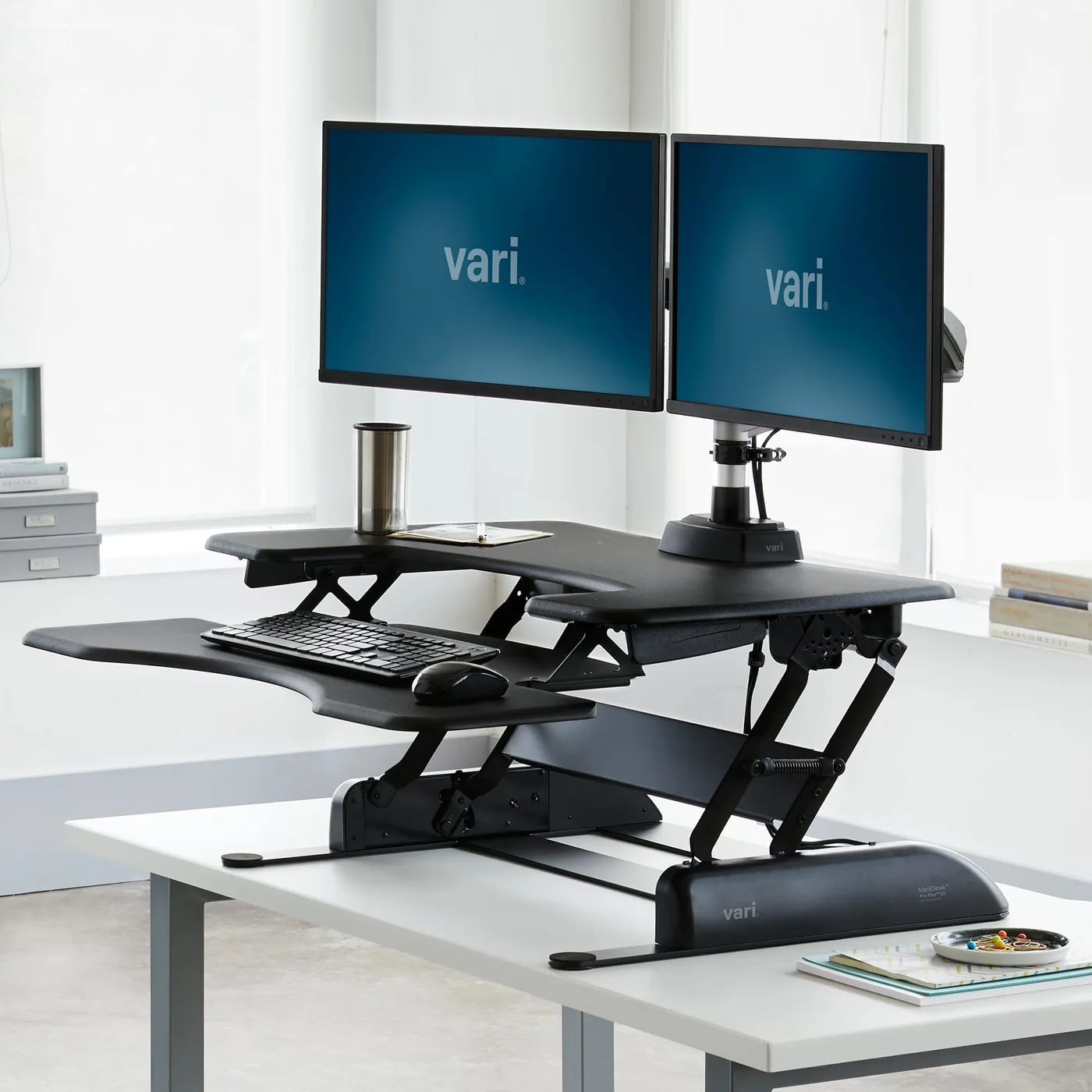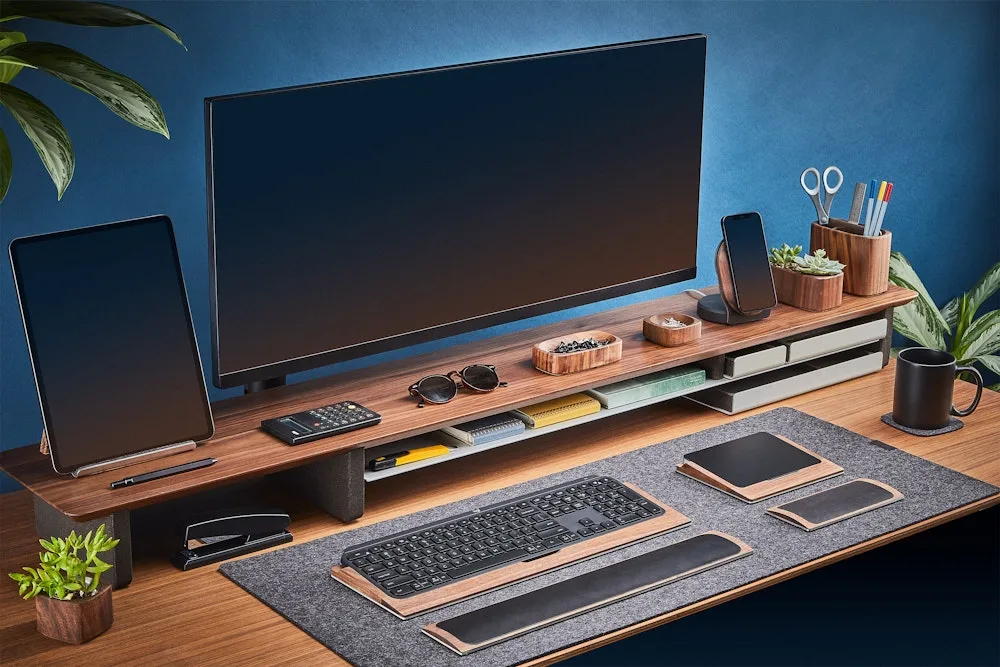
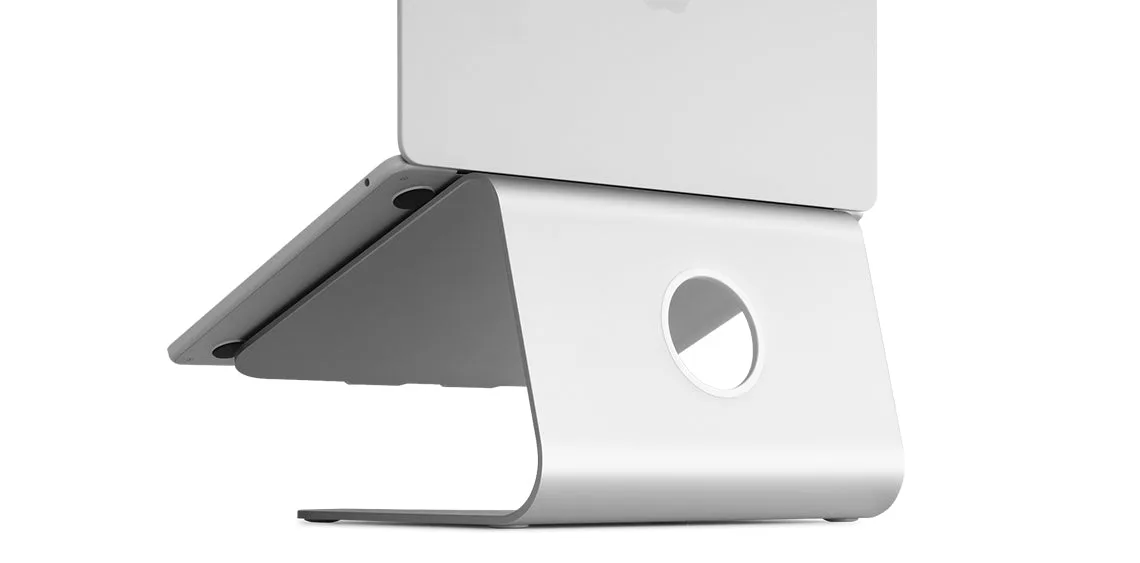
Rain Design have been making the mStand since the mid-2000s and have changed almost nothing about it, because there is nothing to change. It is one piece of aluminium bent into a curve with a shelf on top and a cable slot at the back.
Why this rather than a folding stand
Folding aluminium laptop stands cost less and fold. They also flex, creak, slide on a desk, and put small point loads on the underside of a laptop. After a year the hinges loosen and you have a stand that no longer holds an angle.
The mStand has no hinges. It has no adjustment. It has no screws. There is nothing to loosen, so nothing loosens, and the stand you buy today will be identical in a decade. Ours have been through three laptops.
The mass matters too. It weighs enough that it does not slide when you push a laptop back, and enough that the assembly feels like one object rather than a laptop balanced on a thing.
The ergonomics, honestly
Raising a laptop screen to roughly eye level fixes the worst posture problem in home working: the downward neck flexion that comes from looking at a screen sitting on a desk. Anyone who has spent a day on a sofa with a laptop knows what that feels like at 6pm.
The mStand does this and does nothing else. You cannot adjust the height, so it is right for most people at a normal desk height and it is not right for everybody. If you are very tall, it will be slightly too low; nothing can be done about that except a second stand under it, which is exactly as inelegant as it sounds.
The hard requirement is an external keyboard and mouse. With the laptop raised, its own keyboard is at shoulder height and typing on it is worse than not using a stand at all. Budget for the keyboard when you budget for the stand — this is the single most common mistake with any laptop riser.
Heat
Aluminium in contact with the underside of a laptop acts as a heat sink, and the open design lets air move underneath. On a sustained load — a long video export, a build — we measured lower surface temperatures and heard the fan spin up later than with the same machine on a wooden desk.
This is not a dramatic effect and it is a real one. It is also the reason we would choose this over a plastic stand at similar money.
Practical notes
The cable slot at the back takes a charger and one peripheral cable comfortably. More than two and you are routing them around the side.
The gap underneath fits a low-profile keyboard — an Apple Magic Keyboard or a Logitech MX Keys slides in. A full-height mechanical keyboard does not, so if you are a mechanical-keyboard person, plan to store it somewhere else.
Very large laptops (17 inch) overhang the shelf. It still works, but there is less contact and it feels less secure. Very small ones sit fine.
The anodised finish is genuinely durable; ours have no marks after years.
The complete laptop setup, costed
Because the stand is only one third of the answer, here is the whole thing.
A stand puts the screen at the right height. An external keyboard puts your hands at the right height. An external mouse or trackpad stops you reaching over the keyboard to the laptop's own trackpad, which is the posture that quietly wrecks shoulders.
Stand, keyboard and mouse together will cost somewhere between a quarter and half of what a decent task chair costs, and for someone working all day on a laptop it will do more for their comfort than the chair will. That is not a popular opinion and we have not found a counter-argument to it.
If budget only stretches to two of the three, buy the stand and the keyboard. The mouse can wait a month.
The score
8.8, which is higher than several things here costing twenty times as much, and we stand by it. Scores on this site are relative to the category and to the price, and a $60 object that solves a genuine ergonomic problem permanently, with no failure modes, is close to the best purchase available in a home office.
If you use a laptop and you do not own a stand, buy one before you buy anything else on this site.
What holds up
- A single piece of aluminium: no joints, no wobble, nothing to work loose
- Acts as a heat sink — laptops throttle less on it than on a desk
- Space underneath fits a low-profile keyboard, which clears the desk
- Costs about a tenth of a monitor arm and fixes the same neck problem for laptops
What wears thin
- Fixed height, fixed angle: what you see is what you get forever
- Too high for typing on the laptop's own keyboard — an external one is mandatory
- Heavy for a thing you might want to move between rooms
- Very large or very small laptops sit less securely than a 13–15 inch one