What repairable actually means
Almost every keyboard in this category is disposable. A switch fails, a stabiliser rattles, a keycap wears through, and the answer is a new keyboard.
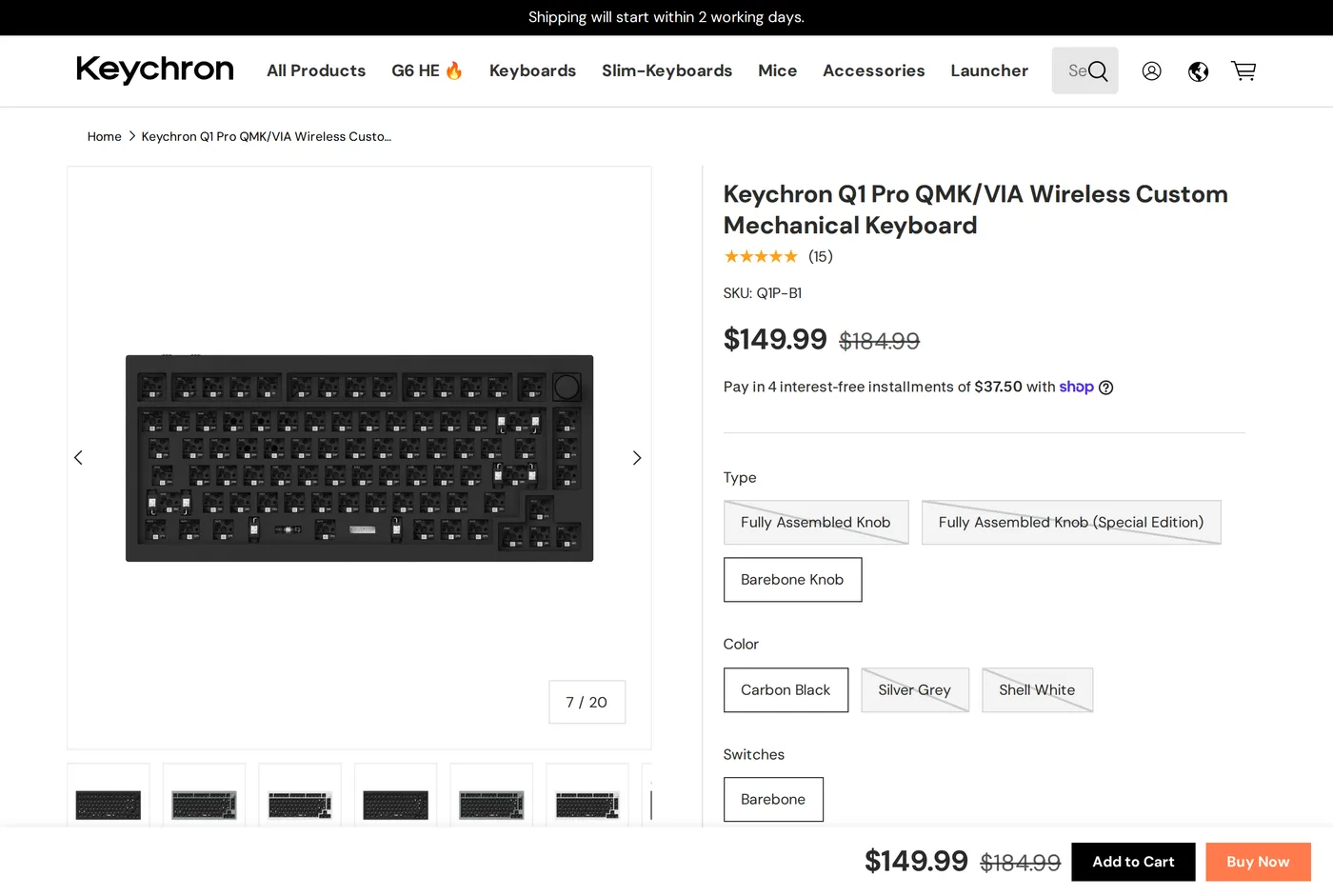
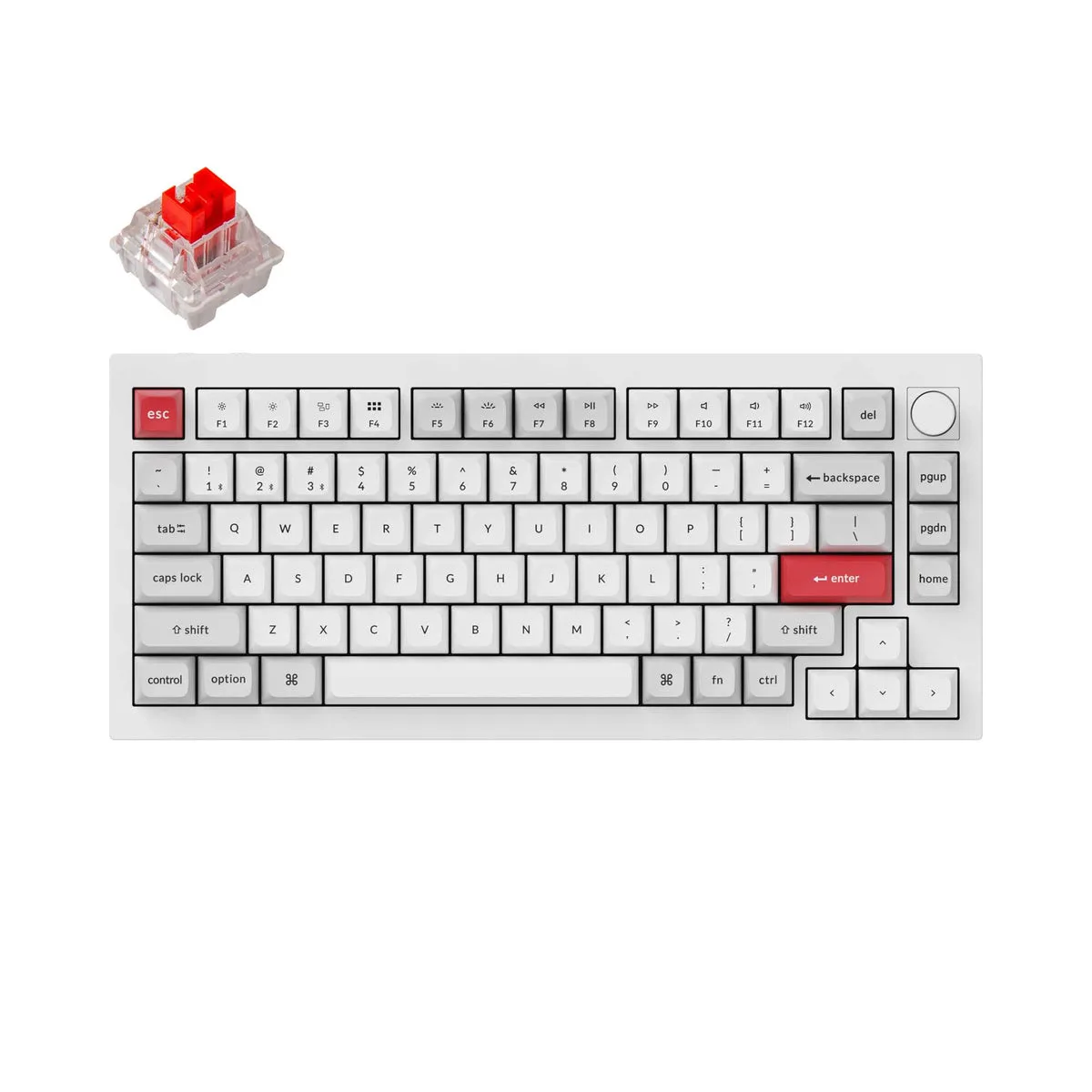
The Q1 Pro is assembled with screws. The switches sit in hot-swap sockets and come out with a $3 puller. The plate, the gaskets, the PCB, the case halves, the screw kit and the stabilisers are all sold individually. The firmware is QMK, which is open source, and the configuration tool is VIA, which runs in a browser and does not want an account.
That is what you are paying roughly $150–$185 for. Not the feel — plenty of $80 boards feel fine — but the fact that in 2041 you will be able to replace a broken part rather than replace the keyboard.
The typing experience
Gasket mount means the plate holding the switches is suspended in rubber strips rather than bolted to the case. The result is a small amount of flex and a duller, lower-pitched sound than a rigidly mounted aluminium board, which tends towards a sharp ping.
It is good. It is not the best-feeling keyboard ever made and the enthusiast community will tell you at length which $400 board is. For a keyboard you can buy in ten minutes and use for a career, it is well beyond the point of diminishing returns.
Hot-swap means you can change your mind. If you buy tactile switches and find them tiring, a set of linears is a twenty-minute swap and about $30. No other category on this site lets you re-specify the product after purchase.
The height problem, which is a real ergonomic issue
This is the part that keyboard reviews skip and an ergonomics site should not.
The Q1 Pro is a tall keyboard. The front lip sits well above the desk, and the key row you actually type on is higher still. Typing on a tall keyboard flat on a desk forces your wrists into extension — bent upwards — which is one of the two postures most associated with discomfort.
The mitigation is a wrist rest of matching height, and it should be bought at the same time, not in three months when your forearms start complaining. Keychron sell a wooden one; any rest that brings your palm up to within a few millimetres of the front lip will do.
If you are buying a mechanical keyboard specifically because your wrists hurt, buy a low-profile board instead. A tall keyboard with a good rest is fine. A tall keyboard without one is worse than the flat membrane board you are replacing.
Barebones or assembled
Keychron sell the Q1 Pro two ways and the choice trips people up.
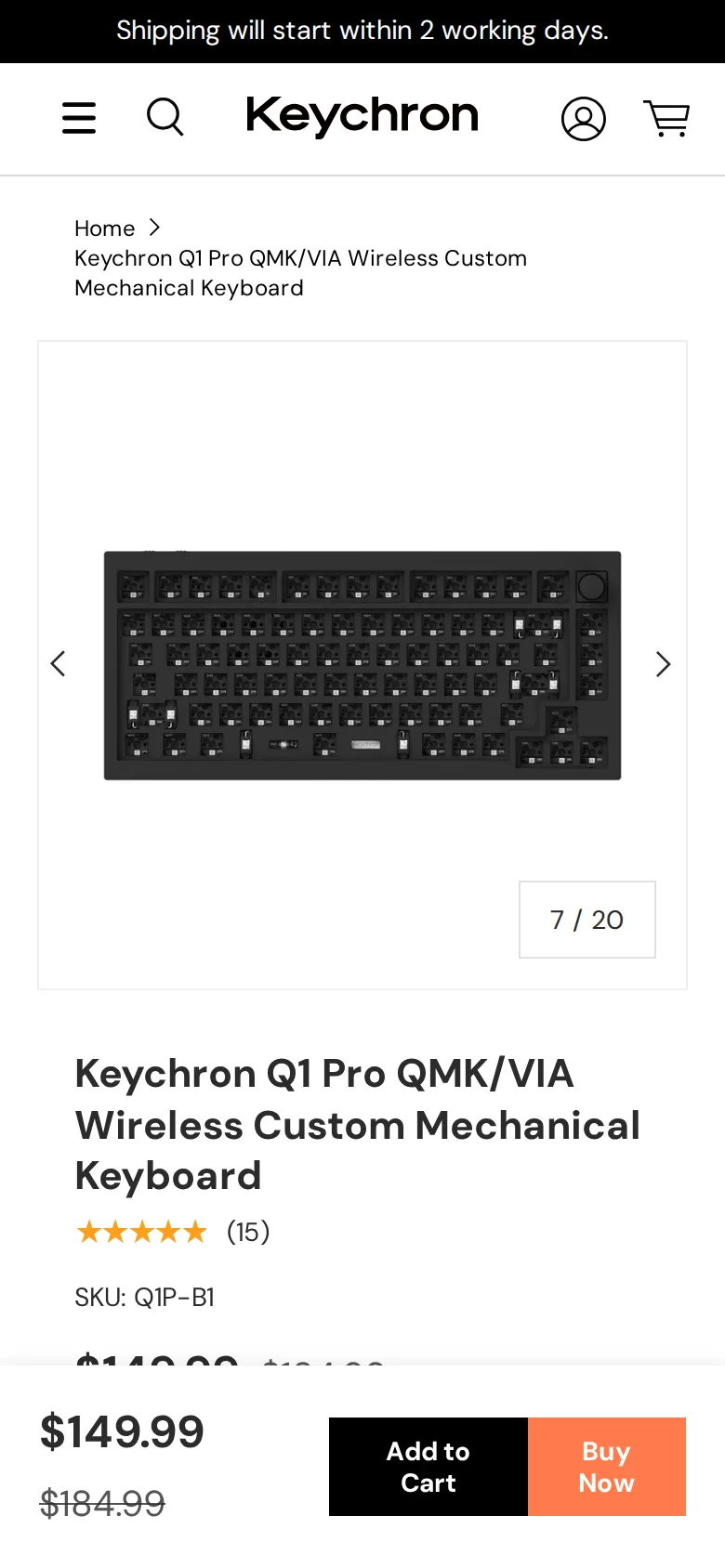
Barebones is the case, plate, PCB and stabilisers, with no switches and no keycaps. It is cheaper, and it assumes you already know which switches you want and are happy to fit a hundred of them.
Fully assembled arrives working, with a switch and keycap set chosen at checkout.
Unless you already own switches, buy assembled. Fitting a hundred switches is about forty minutes of pleasant work the first time and a chore the second, and the bundled sets are priced sensibly against buying the parts separately.
Either way, check the layout — Keychron sell ANSI and ISO variants, and a keycap set for one does not fit the other.
Weight and noise
About 1.6 kg of aluminium. It does not move on the desk, ever, which is genuinely pleasant. It also does not move anywhere else — this is not a keyboard you put in a bag.
Noise depends entirely on the switch you choose. Tactile switches in an aluminium case are audible across a room. If somebody else works in that room, choose a linear switch with silicone dampeners and expect a conversation anyway.
Wireless
Bluetooth to three devices plus 2.4 GHz plus USB-C. Battery life is good with the backlight off and unremarkable with the RGB on full; this is true of every RGB keyboard ever made and the honest answer is to turn it down.
Verdict
8.6. The best long-term purchase in this category, with a caveat that matters on a site about ergonomics: buy the wrist rest at the same time and use it properly.
What holds up
- Full QMK/VIA: remap anything, including layers, without vendor software or an account
- Hot-swap sockets — change switches with a puller, no soldering
- Gasket-mounted plate gives a softer typing feel than a bolted aluminium board
- Every part, down to the case screws, is available separately
What wears thin
- Very tall — a wrist rest is not optional, it is part of the purchase
- Around 1.6 kg: this is not a keyboard you carry anywhere
- Loud enough to annoy somebody else in the room, depending on switch
- Bluetooth battery life drops sharply with the RGB on