The case for a flat keyboard
Mechanical keyboards get all the attention and most of the words written about typing. For a lot of people they are the wrong purchase, for one reason: noise. If you work in a room where somebody else is on a call, or where a person is asleep down the hall, a tactile mechanical board is an antisocial object.
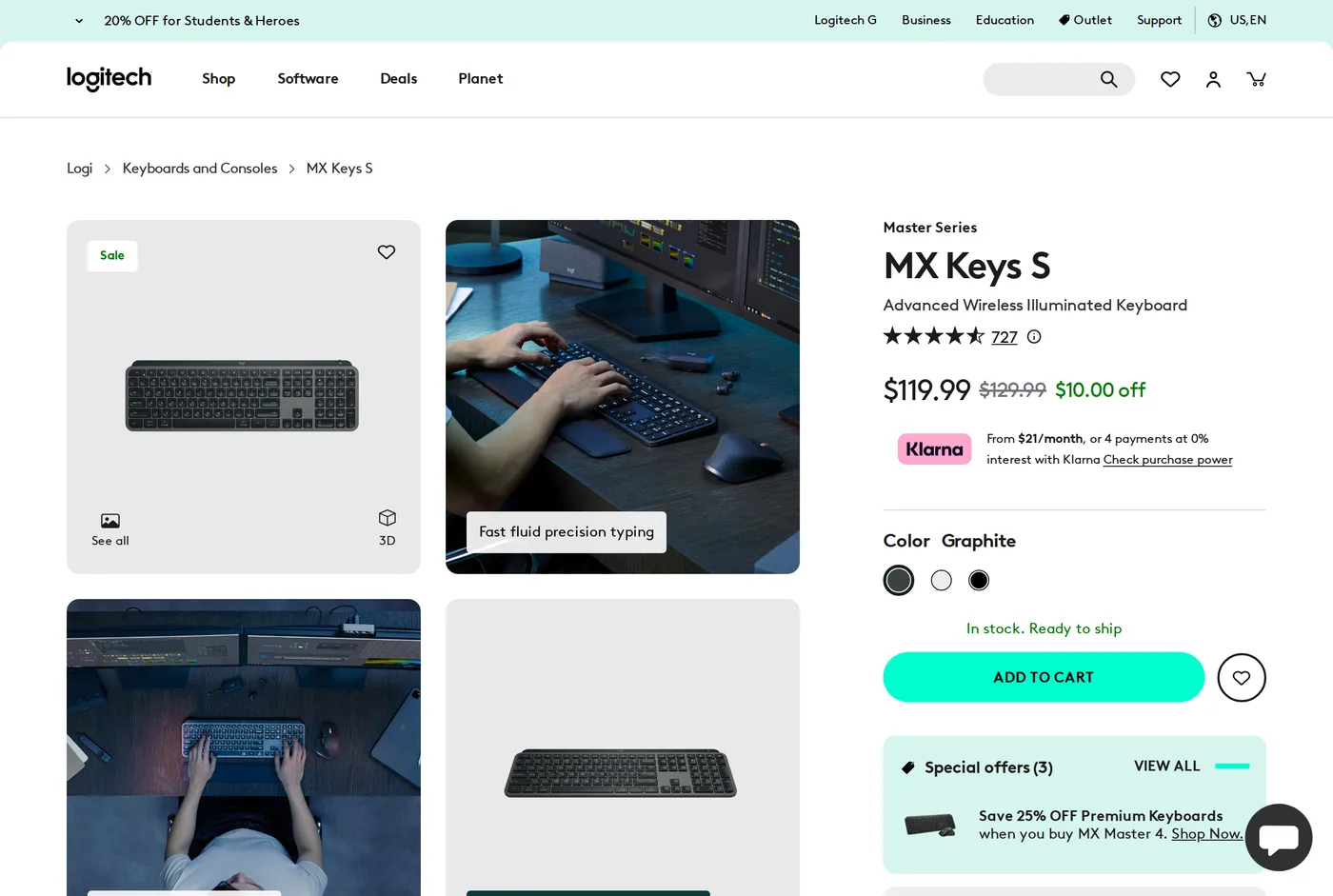
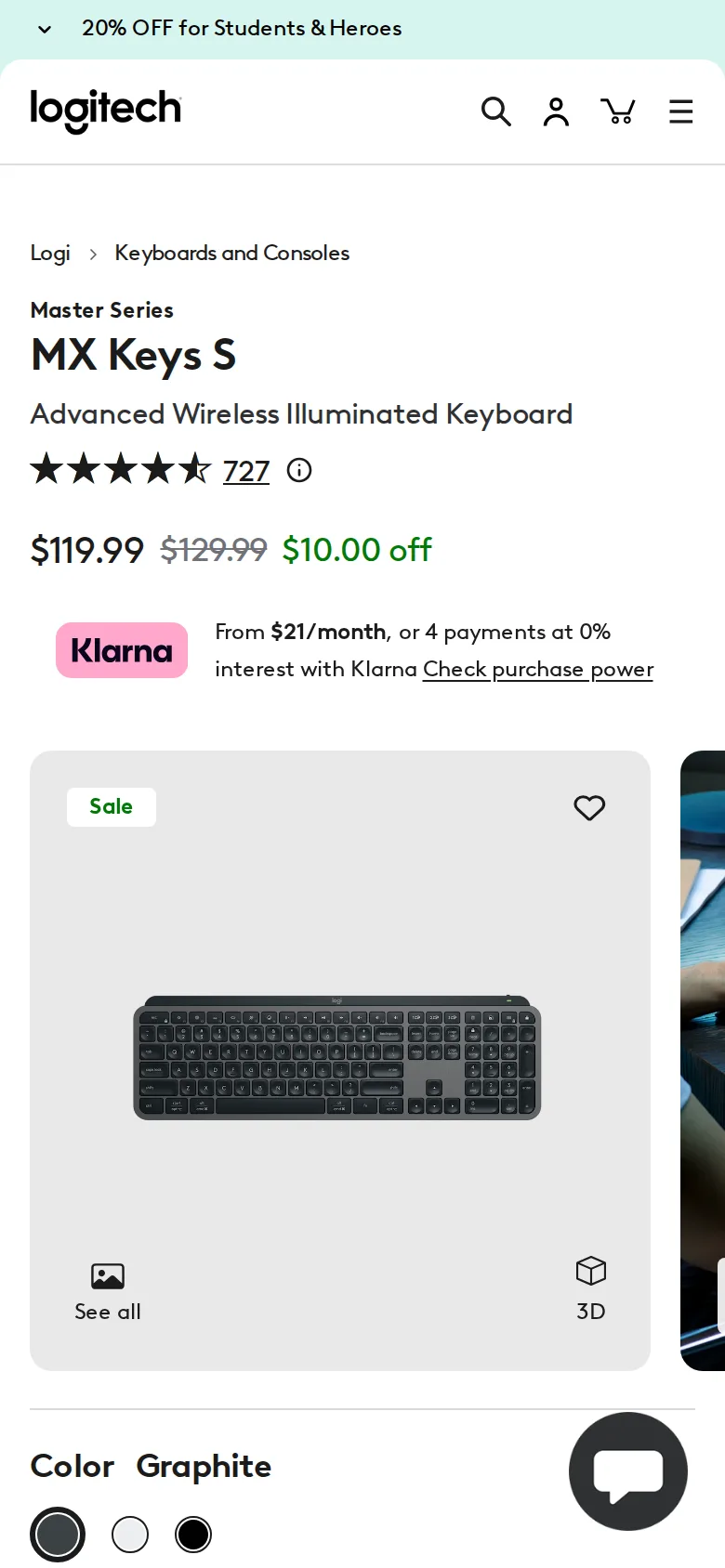
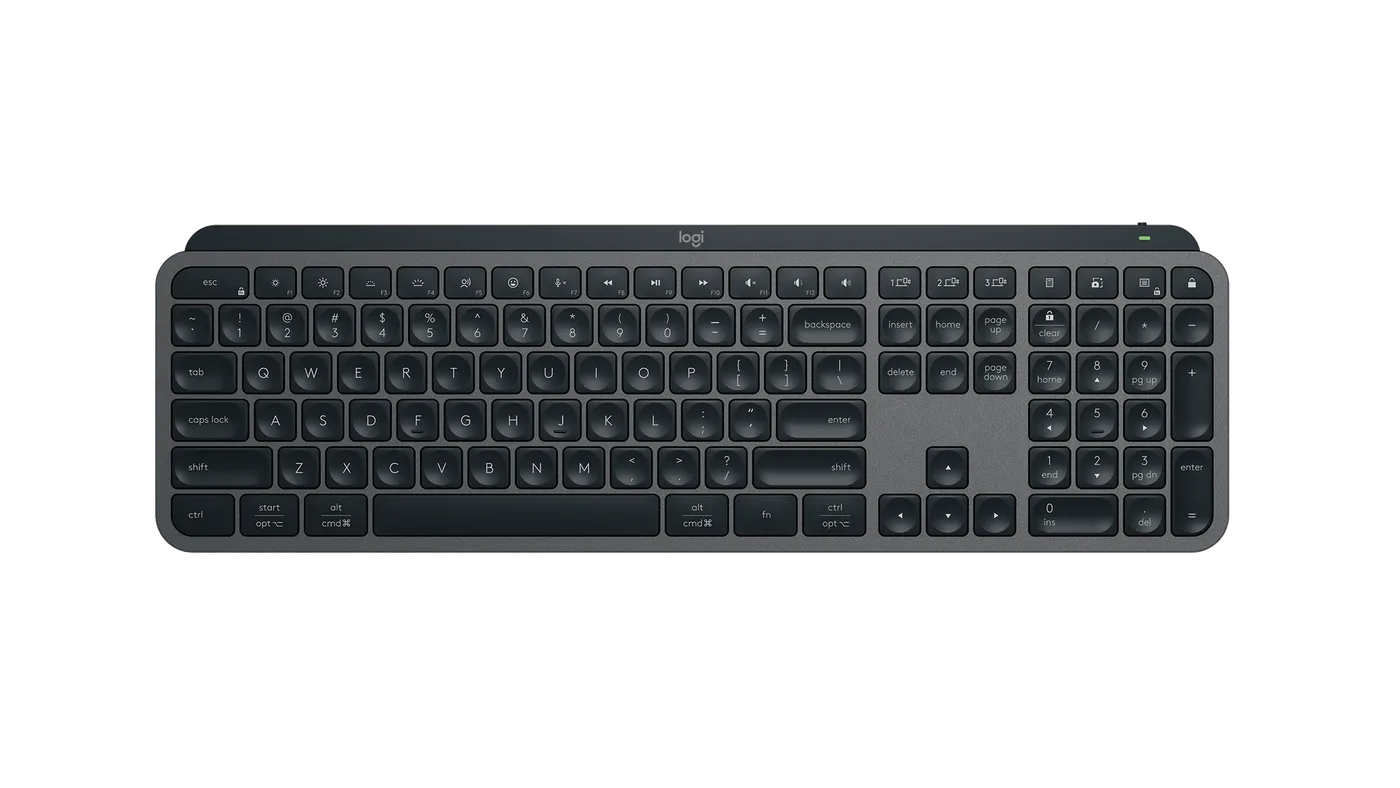
The MX Keys S is the best answer we have found to "quiet, comfortable, and I do not want to think about it." Low profile, scissor switches, spherically dished keycaps, backlit, and it connects to three machines at once.
Typing on it
The dish in each keycap is the detail that matters. Flat chiclet keys let your fingertip slide; a concave cap catches it. Over a day the difference shows up as fewer corrections rather than as a feeling, which is how good ergonomics usually works.
Travel is short, as it must be on a board this thin, and the bottom-out is soft rather than sharp. It is not a satisfying keyboard in the way a good mechanical board is satisfying — nobody has ever described typing on an MX Keys as a pleasure — but it is accurate and it is fast.
The layout is full-size including a number pad, which makes the board wide. If your mouse hand has to travel a long way around a number pad all day, that is a genuine ergonomic cost and a smaller board may serve you better.
The multi-device switching is the feature
Three buttons, three machines. Press one and the keyboard is on the other computer in under a second, including across Windows, macOS and Linux, and the modifier keys remap themselves so that the Command key sits where a Mac user expects.
If you work across a laptop and a desktop, or a work machine and a personal one, this is the reason to buy this keyboard rather than a cheaper one. It works reliably, which sounds like a low bar until you have used a rival that drops a connection every third switch.
The software problem
Logi Options+ is where the enthusiasm stops. It wants an account. It runs in the background. It periodically notices an update and tells you about it. Smart Actions — the macro feature Logitech leads with on the product page — is genuinely capable and also genuinely more software than most people want resident on a work machine.
Here is the useful part: you do not need it. The keyboard works as a keyboard, with backlight and device switching, with no software installed at all. You lose per-application key remapping and Smart Actions. Our recommendation for most people is to skip the install entirely and enjoy a very good keyboard.
The number pad problem
The MX Keys S is full-size, and on an ergonomics site that deserves a paragraph rather than a bullet.
A number pad adds roughly 10 cm to the right of a keyboard. Your mouse then lives 10 cm further from your body's centre line, and your right arm spends the whole day slightly abducted at the shoulder — held out sideways — rather than hanging relaxed.
For most people that is unnoticeable. For anyone with shoulder or upper-arm discomfort it is one of the easiest things to fix, and the fix is a keyboard without a number pad plus, if you need one, a separate pad placed on the left.
Logitech sell an MX Keys Mini for exactly this reason. If your shoulder is the complaint rather than your wrists, buy that instead of this.
Backlight and battery
Logitech quote about ten days with the backlight on and several months with it off. Our experience is consistent with that; the proximity sensor that lights the keys as your hands approach is the single biggest drain and, after the novelty wears off, of no real use in a lit room. Turn it off and stop thinking about charging.
USB-C, and it charges while you type.
Longevity
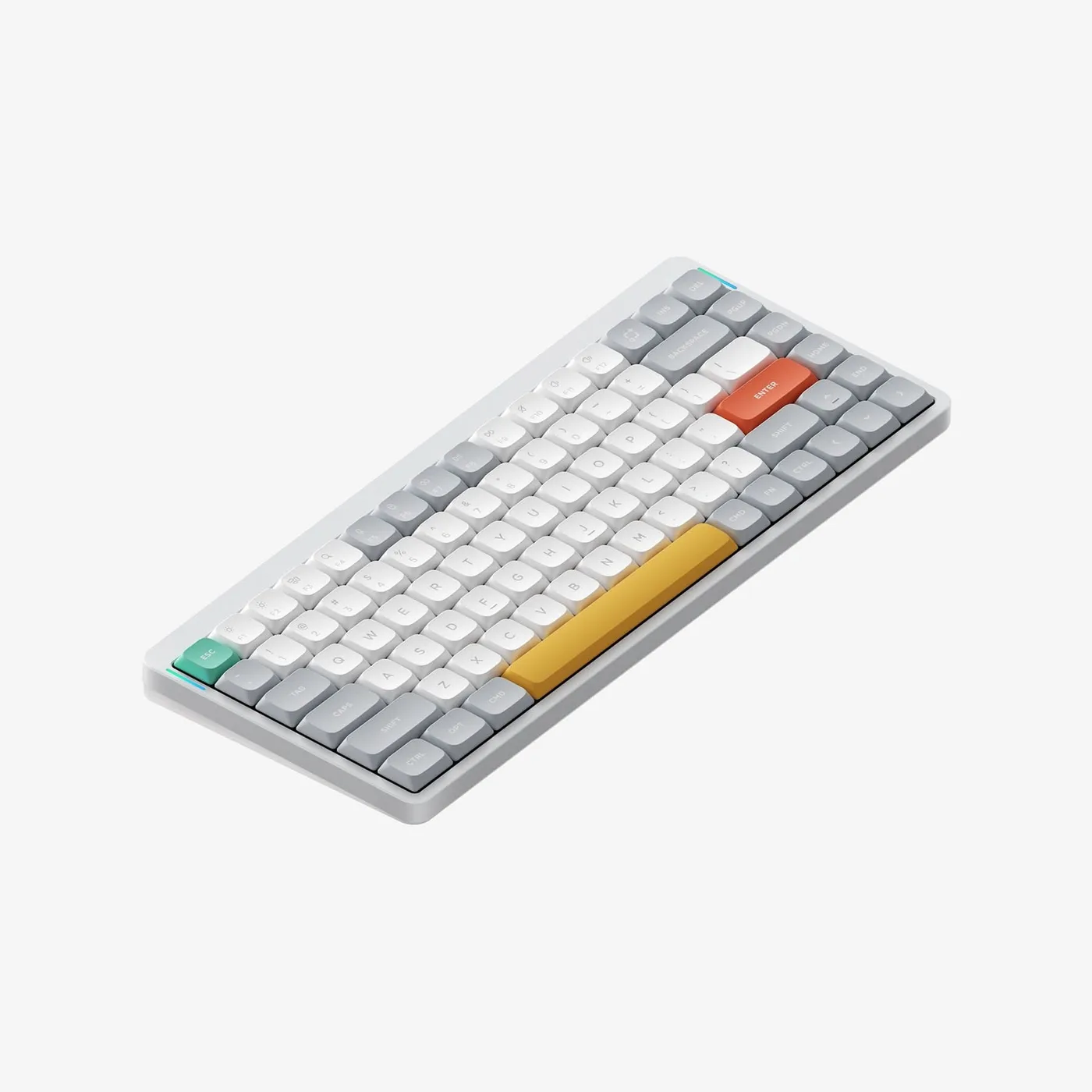
This is the reason for the score rather than a higher one. Scissor switches wear. On a keyboard used eight hours a day, three to five years is a reasonable expectation before the feel degrades, and there is no route to replacing a switch or a stabiliser. A Keychron Q1 Pro costs a little more and is repairable essentially forever.
That is the trade. Quiet, thin and disposable, versus loud, thick and permanent. Both are legitimate; know which one you are buying.
Verdict
8.2. The best keyboard here for a quiet room, held back by a software strategy that treats a keyboard as a platform.
What holds up
- Spherically dished keys that genuinely reduce mistyping on a flat board
- Quiet enough to type next to someone watching television
- Switches between three devices instantly, including across operating systems
- USB-C, and months of battery with the backlight off
What wears thin
- Logi Options+ wants an account and runs constantly for features you may never use
- Backlight proximity sensor is battery-hungry and mostly a party trick
- No adjustable tilt beyond the fixed incline
- Scissor switches are a wear item — this is not a ten-year keyboard